Set name
Use the Set name view to name the user.
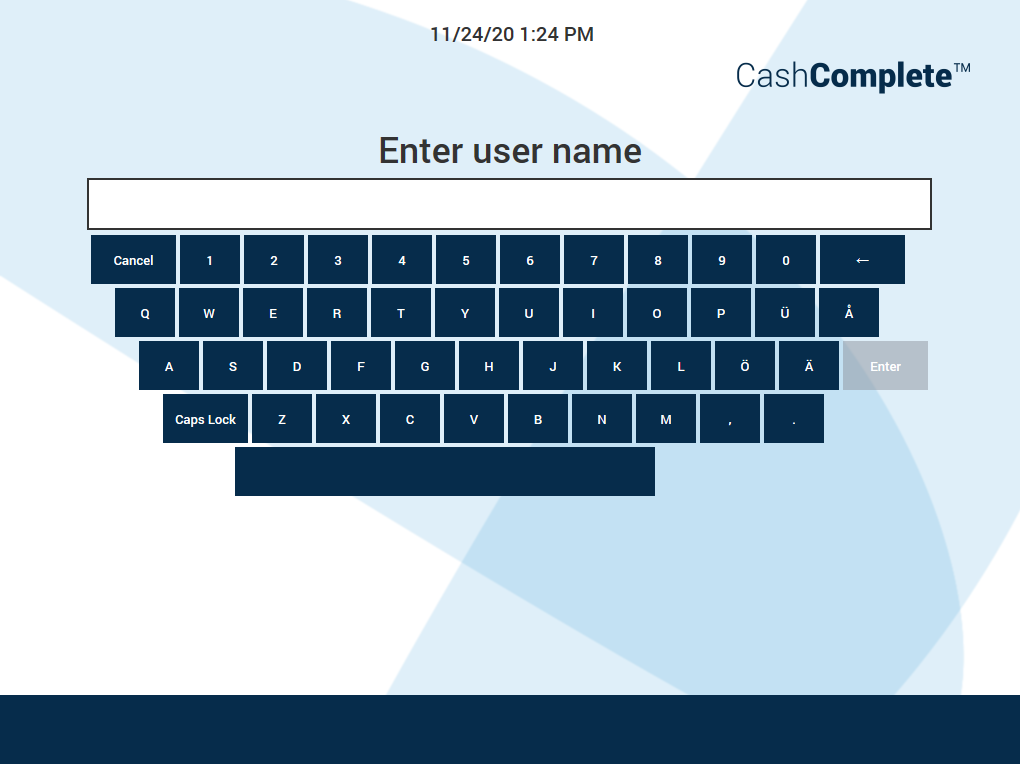
UI item | Description |
|---|---|
Enter user name | Enter a name for the user. |
Cancel | Select to ignore the changes and return to the previous view. |
Caps lock | Select to type in capital letters. |
Enter | Select to save the changes and return to the previous view. |