Status view
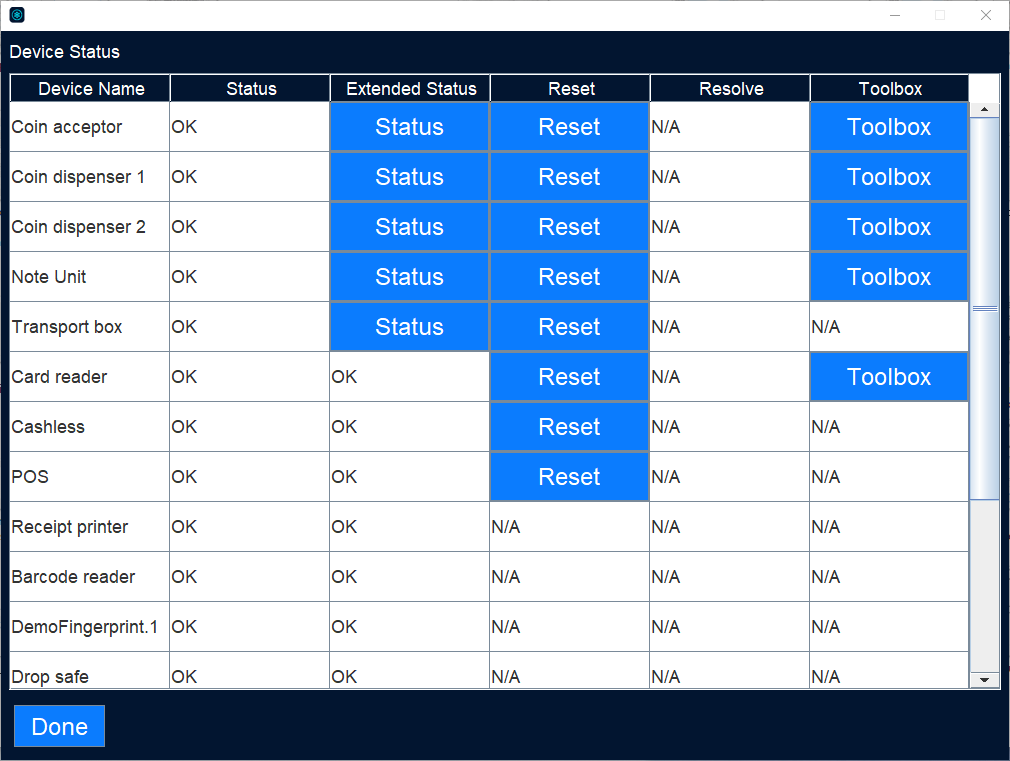
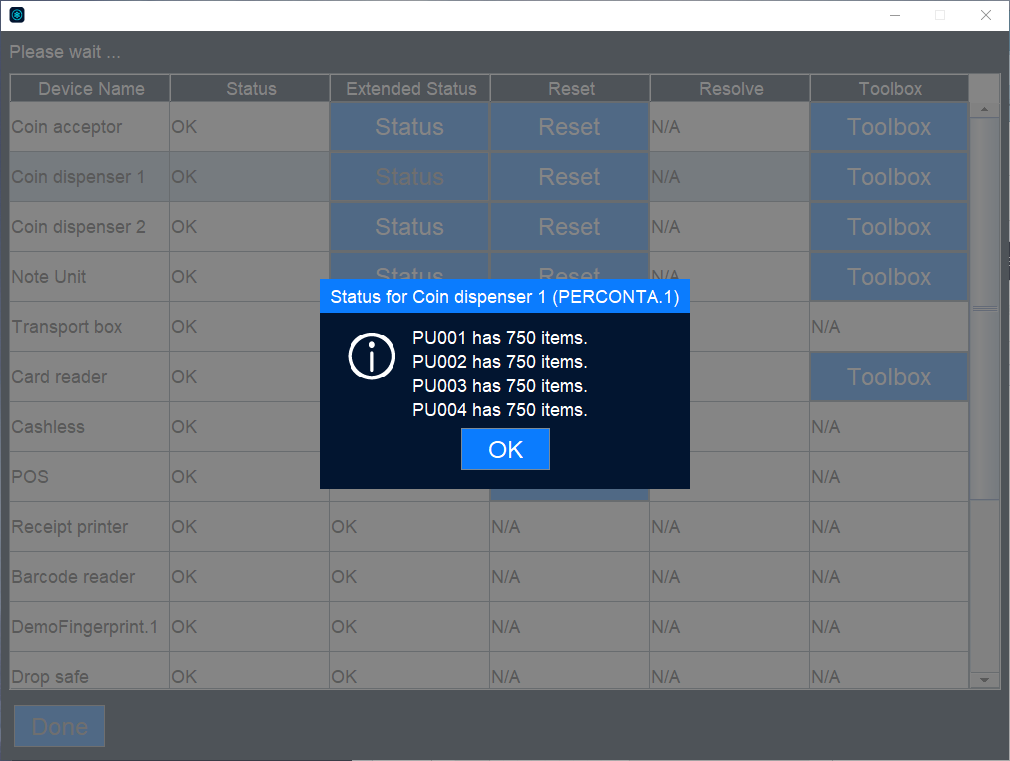
Use the Status view to monitor the machine status.
UI item | Description |
|---|---|
1 | Log-in fields |
2 | Box status Indicates when it is time to replenish/empty the boxes/dispensers in the machine. |
3 | Machine status Machine status can be:
|
Use the Status view to monitor the machine status.
UI item | Description |
|---|---|
1 | Log-in fields |
2 | Box status Indicates when it is time to replenish/empty the boxes/dispensers in the machine. |
3 | Machine status Machine status can be:
|