Changing display settings
Changes to the display settings affect the displayed view. There are predefined themes with defined colors. You can create your own themes by clicking the themes icon.
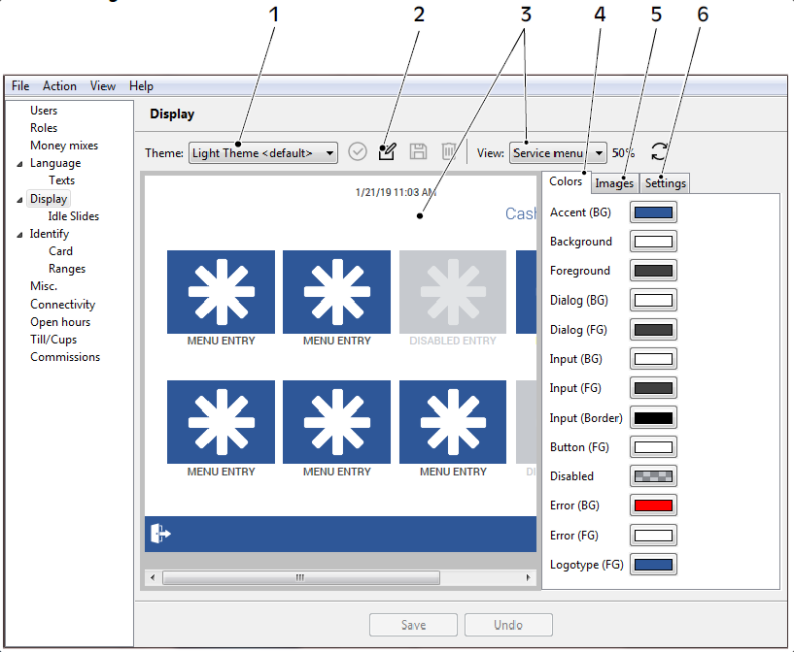
1. Theme 2. Create new theme 3. Displays changes made to the selected view 4. Colors tab 5. Images tab 6. Settings tab
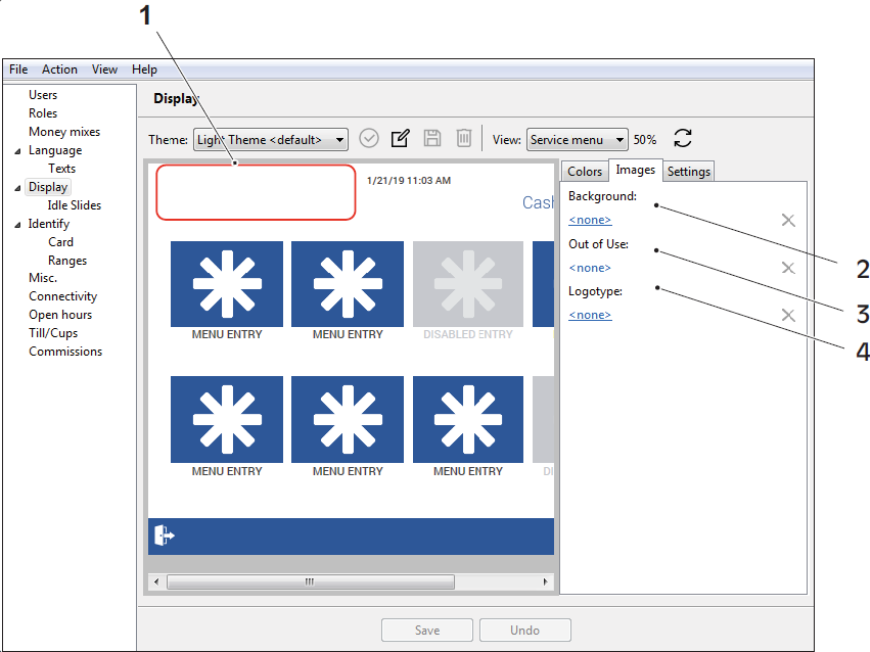
1. Logotype area 2. Background image 3. Out of use image 4. Logotype image
Task. Change the display settings
In the navigation pane, select Display.
Expand the Theme list to select a display theme.
Expand the View list to select the view whose display options you want to change.
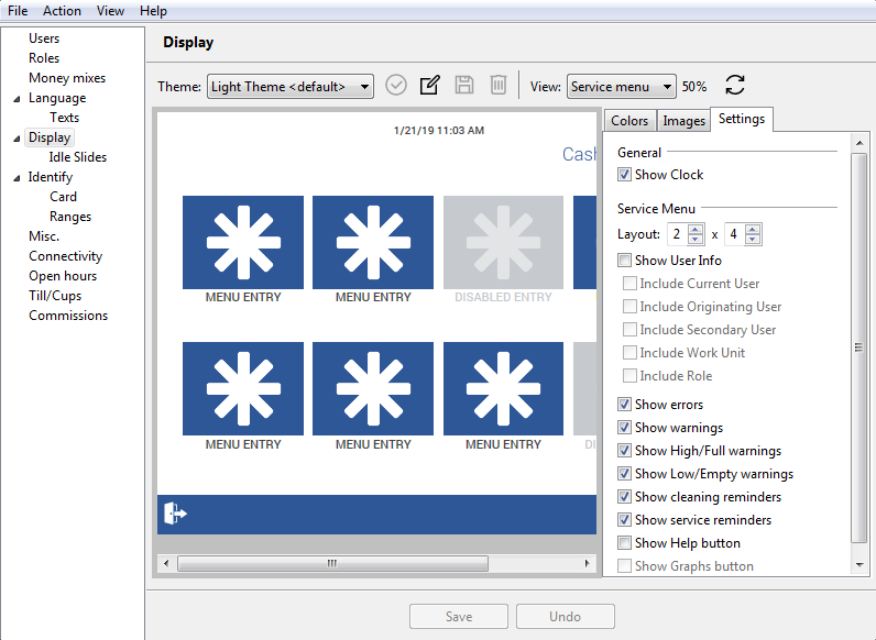
Edit the colors, images, and other settings.
Click Save to save the changes.
Tip
Click Undo to discard unsaved changes.