Configuring miscellaneous settings
In Misellaneous (Misc.) settings, you configure what is shown on the start, service, login, and out of use screens. A clock and user information can be be shown on all screens.
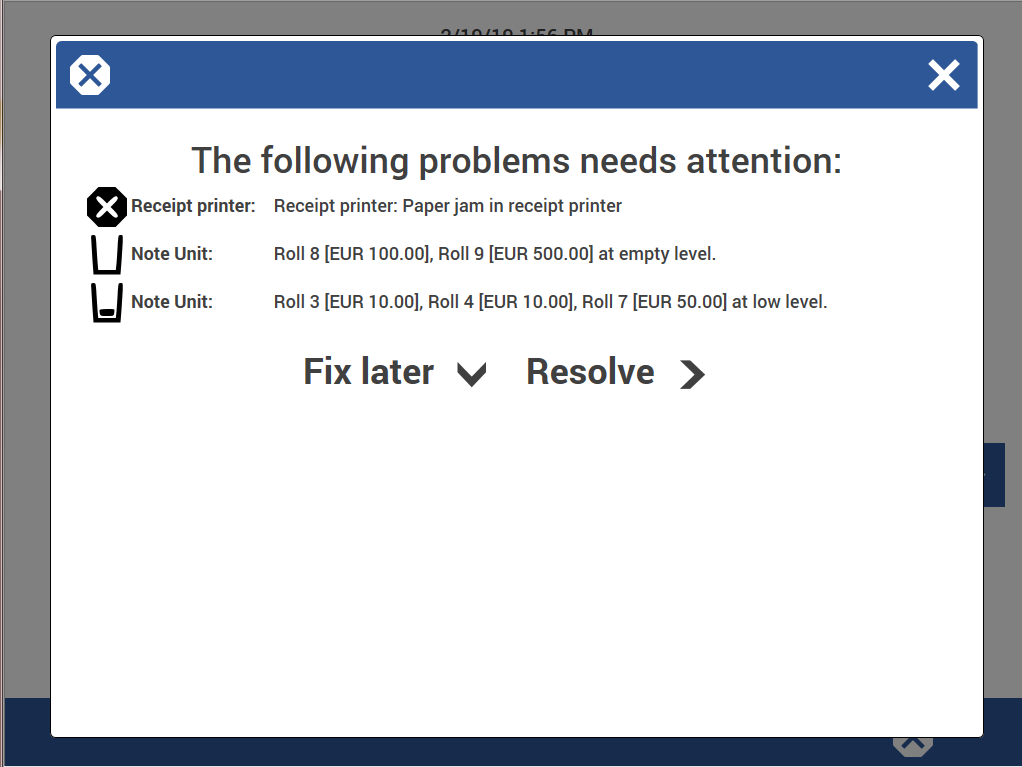
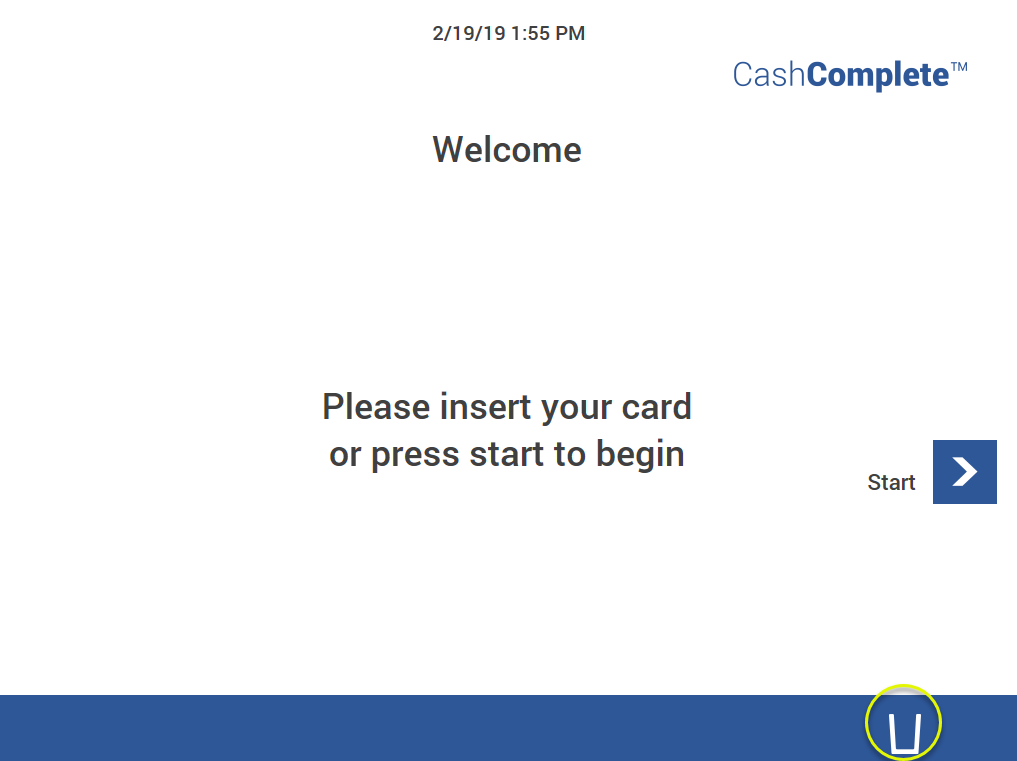
Use extended error dialog is always enabled, that is, can't be disabled. When an error occurs, an error icon for the most severe problem is displayed at the bottom of the screen.
In the navigation pane, select Miscellaneous.
To show a service button that opens the Operator menu when the machine is out of use, select Show service button.
Note that Use extended error dialog is selected and can't be cleared. The dialog box lists problems that need attention. Errors that need immediate attention are displayed at the bottom of the screen.
To make the backspace button delete all entered positions at once instead of one for each keystroke, select Backspace is clear.
Click Save to save the changes.
Tip
Click Undo to discard unsaved changes.