Account
Use the Account settings to configure the number of allowed consecutive login attempts and the activation and expiration dates of the user account.
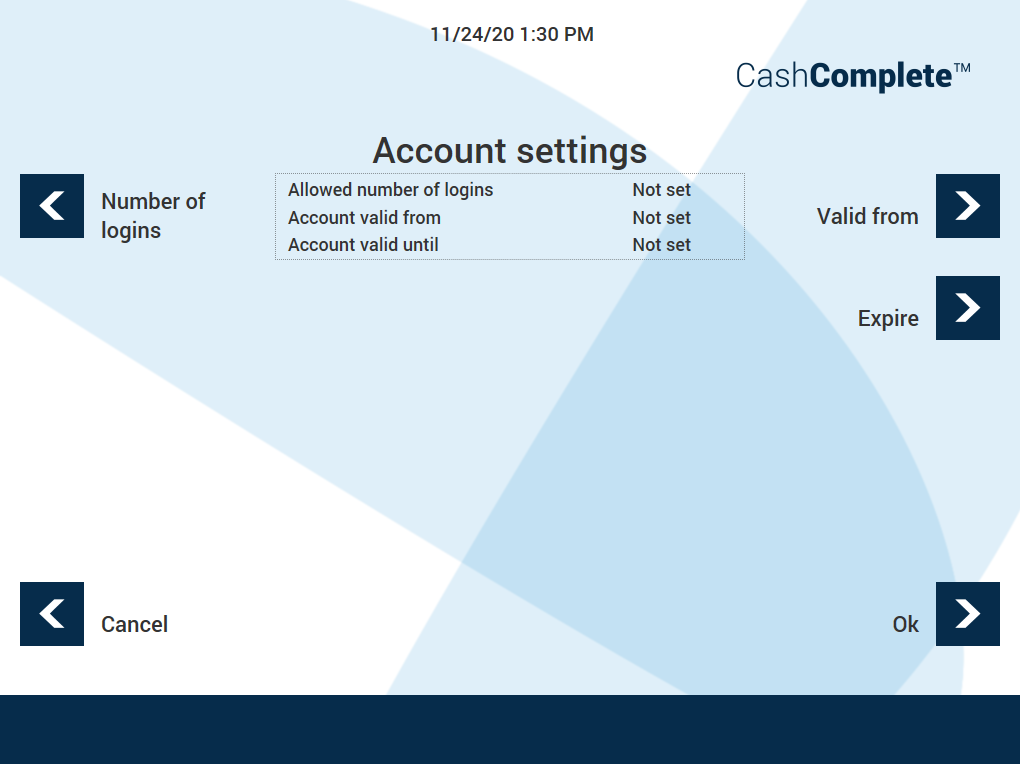
UI item | Description |
|---|---|
Number of logins | Select to configure the number of allowed consecutive login attempts. |
Valid from | Select to configure the date from which the user account is valid. |
Expire | Select to configure the date from which the user account has expired. |
Cancel | Select to ignore the changes and return to the previous view. |
Ok | Select to save the changes and return to the previous view. |