Editing a role
Use this procedure to edit a role and the permissions associated with the role.
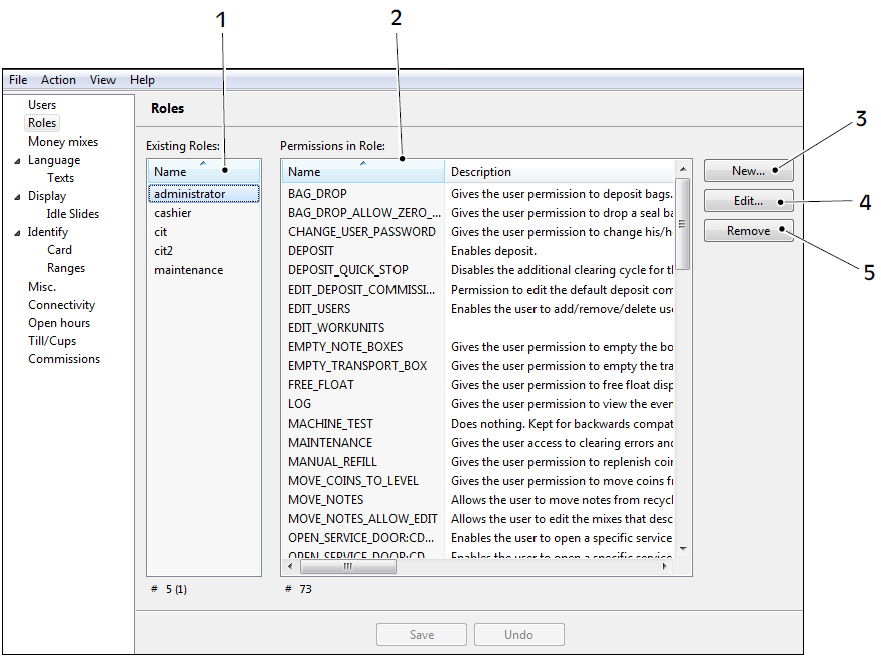
1. Existing roles 2. Permissions of the selected role 3. New - create role 4. Edit - edit the selected role 5. Remove - delete the selected role
Task. Edit a role
In the navigation pane, select Roles.
Select the role you want to edit and click Edit.
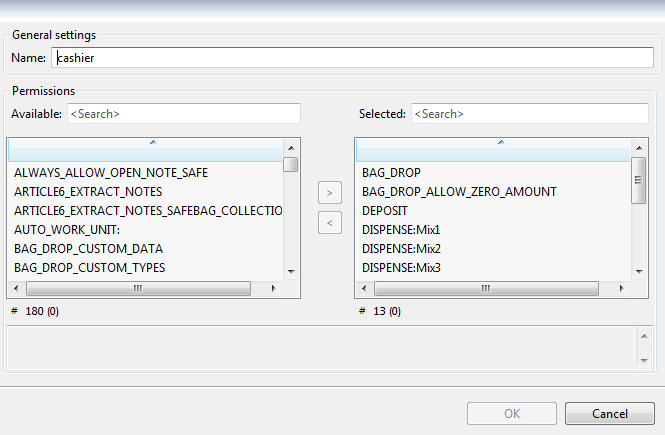
Edit the permissions by selecting a permission in the lists of available or selected permissions and then use the arrows (> and <) to add or remove the permission.
Some permissions require additional permissions. If that is the case, a pop-up window is displayed. Click Ctrl+space to display a list of available additions.
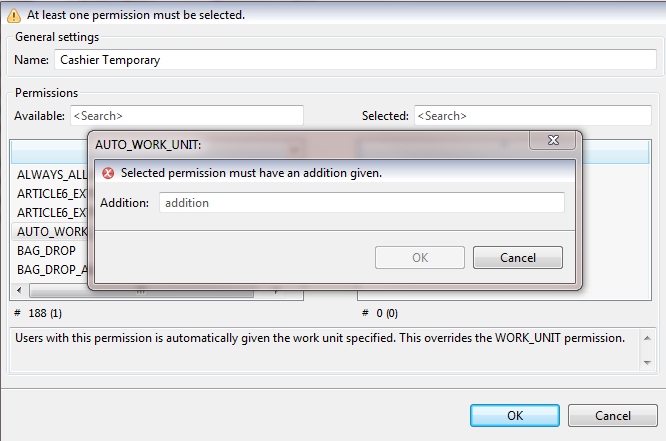
In the Addition box, enter a value.
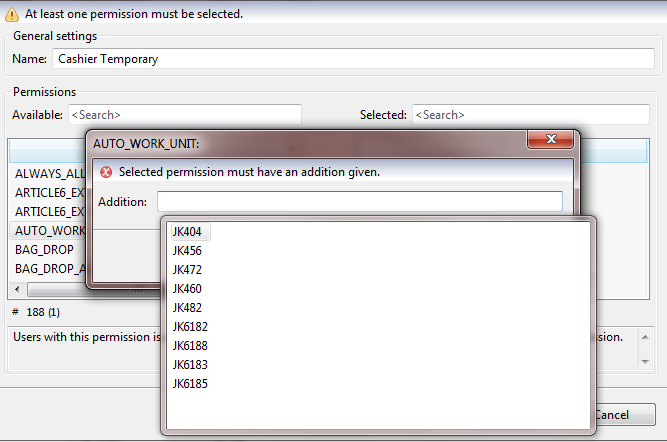
Click OK to add the additional permission.
Click OK to save the edits to the role.