Configuring connectivity settings
Use Connectivity settings to make it possible to connect the machine online.
Important
You must ask your PayComplete™ sales representative to send you the values you need. You will receive them via email when the tenant has been created.
'Broker' refers to the MQTT communication framework used for communication between Connect on-Device and Connect.
Task. Configure connectivity settings
In the navigation pane, select Connectivity.
In the drop-down list, select one of the following:
Connect
SoftOne
Automatic provisioning (Connect)
None
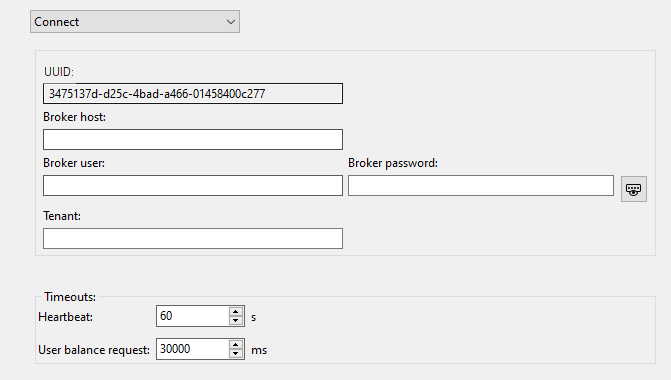
Fill in the appropriate fields.
Click Save to save the settings.
Tip
Click Undo to discard unsaved changes.