RCS-700 configuration
Changing a money mix (for RCS)
You use the Connect on-Device Studio New, Edit, and Remove functions to add, edit, or remove notes and coins in money mixes.
Sign in to Connect on-Device Studio.
In the navigation pane, select Money mixes.
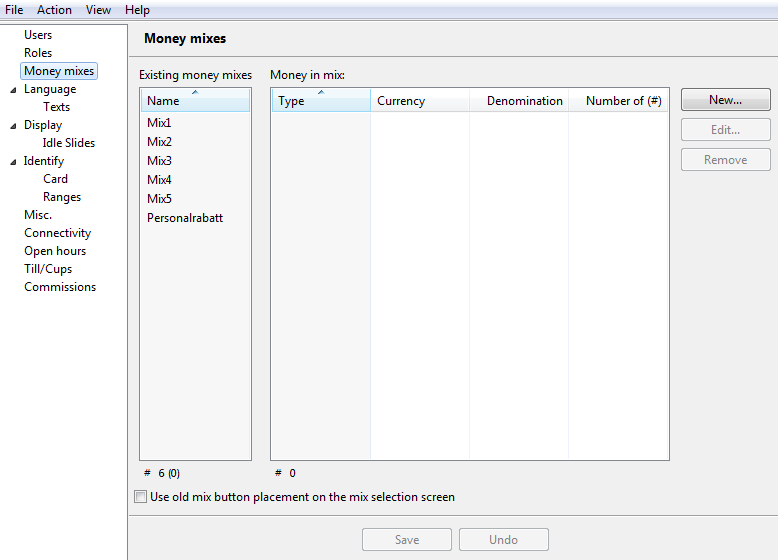
Select the money mix you want to edit.
Click Edit and change the settings:
Name — Do NOT change the name because this parameter is used as an identifier in other files.
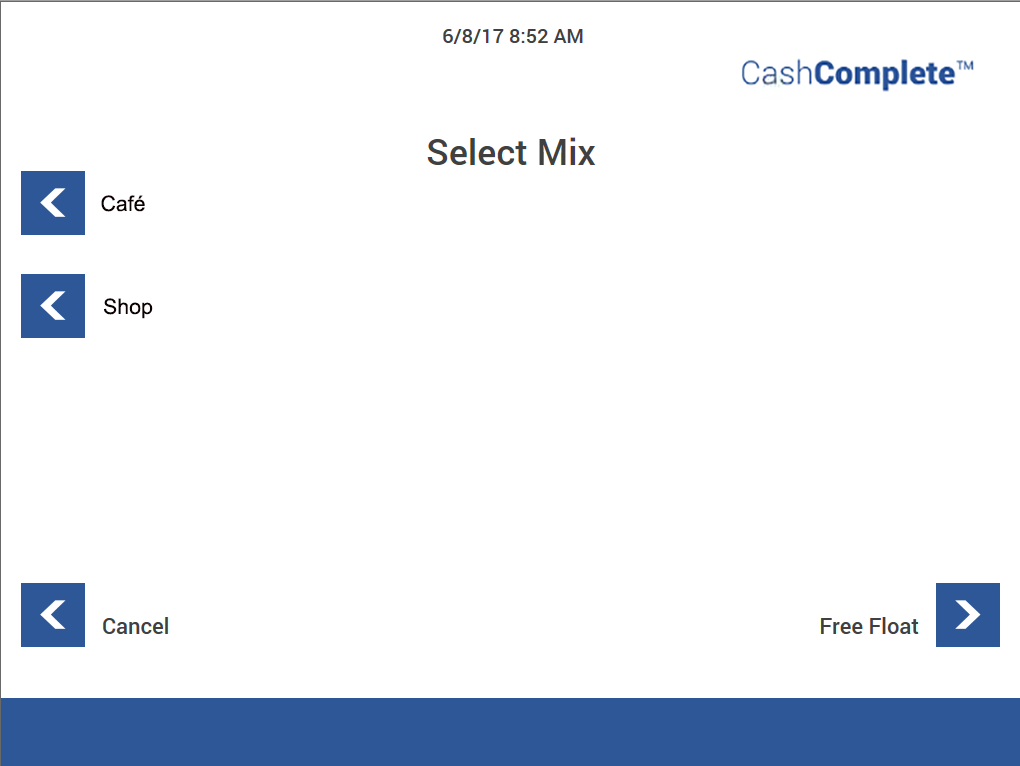
Display name — The money mix name displayed on screen. If you want several names for the same mix due to language settings, leave this field empty.
Important
If you enter a display name, it will override any translations made in the text file
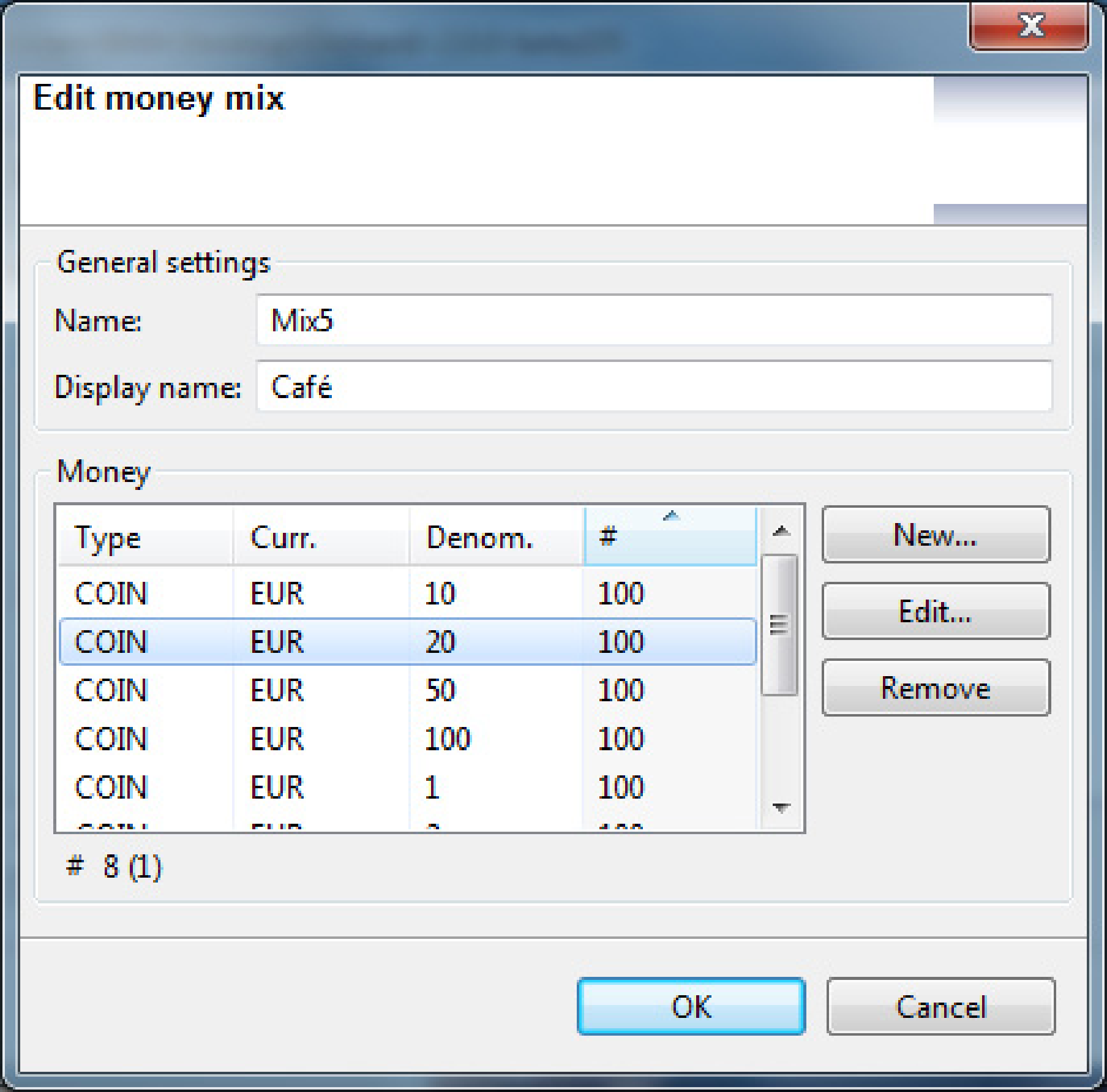
Click New to add a new coin/note to the money mix.
Click Edit to change settings for the selected coin/note.
Select Remove to delete the selected coin/note from the mix.
See also
Notes in Upper Reject Box
You can use the Upper Reject Box in two ways:
Collect suspected counterfeits (Article 6)
Function as a storage for removed notes
When picked from the RB box at a transaction, remove the note if there is any uncertainty about whether it is one or more notes (that is, notes stuck together). The rejected notes belong to the RB boxes and must be returned to make the count add up. Return the notes to the the correct RB box seen to denomination and make a manual refill.
See also
Move notes and empty notes, RCS-700
A user with the MOVE_NOTES permission can move notes from a recycler to an overflow box/bag provided the machine has that capability.
CIMA, URT, and HCM all have that capability.
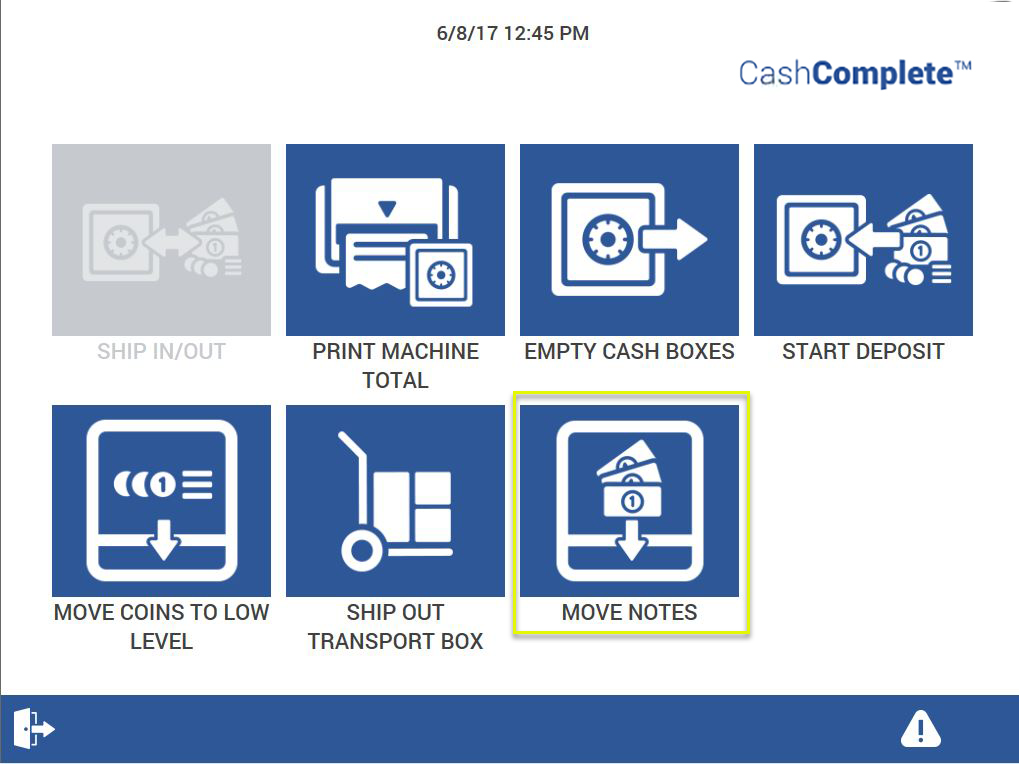
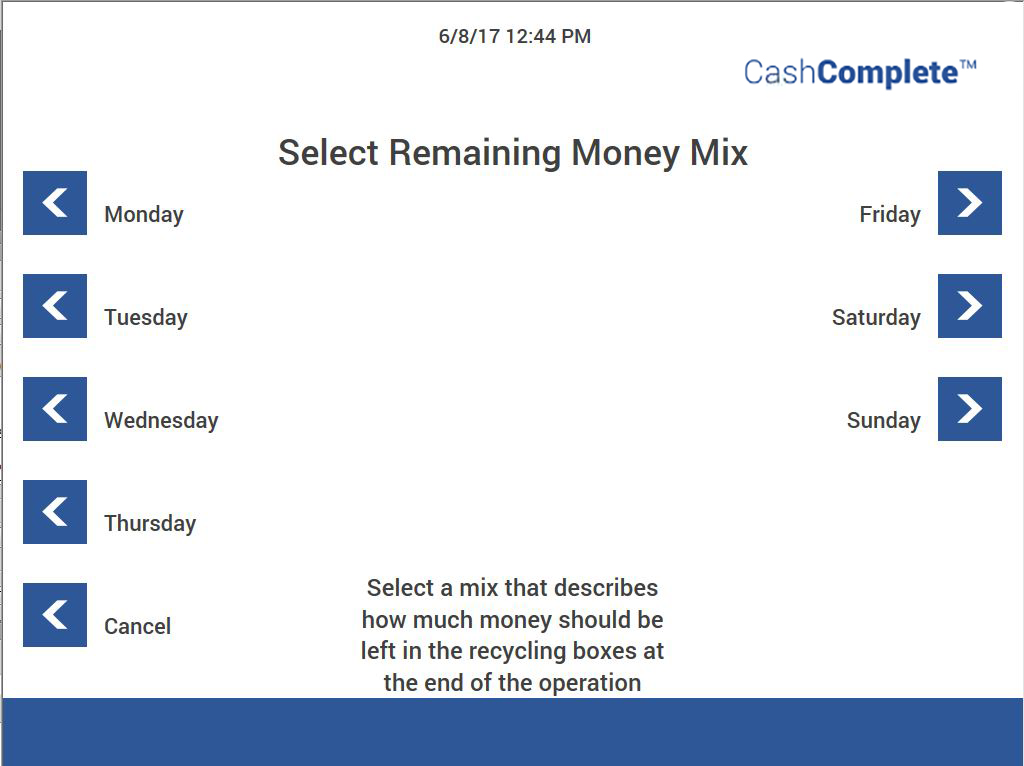
You configure the remaining money mix in the moneyremaining.xml file. Editing the remaining number of notes when moving notes requires the MOVE_NOTES_ALLOW_EDIT permission.
For more information, see:
Note
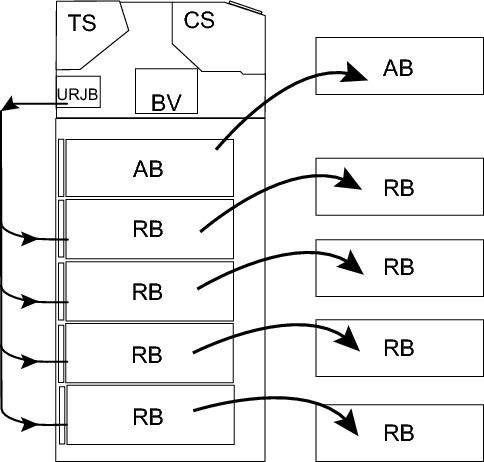
All rejected notes in the upper reject box belongs to the RB boxes.
See also
Empty cash boxes
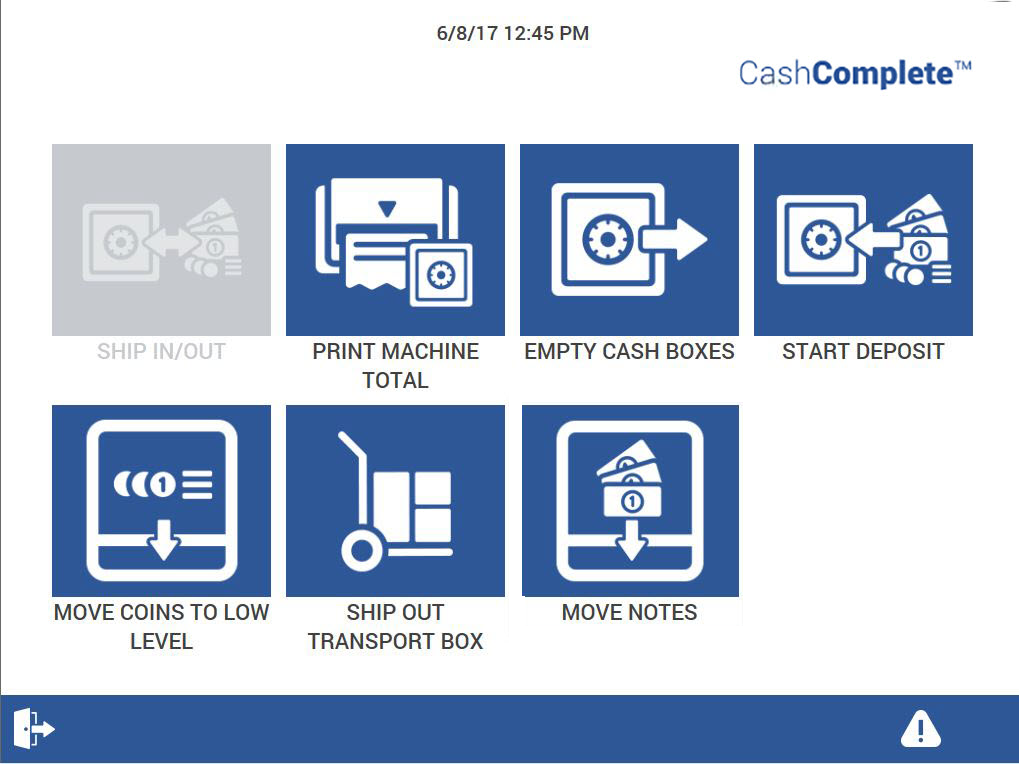
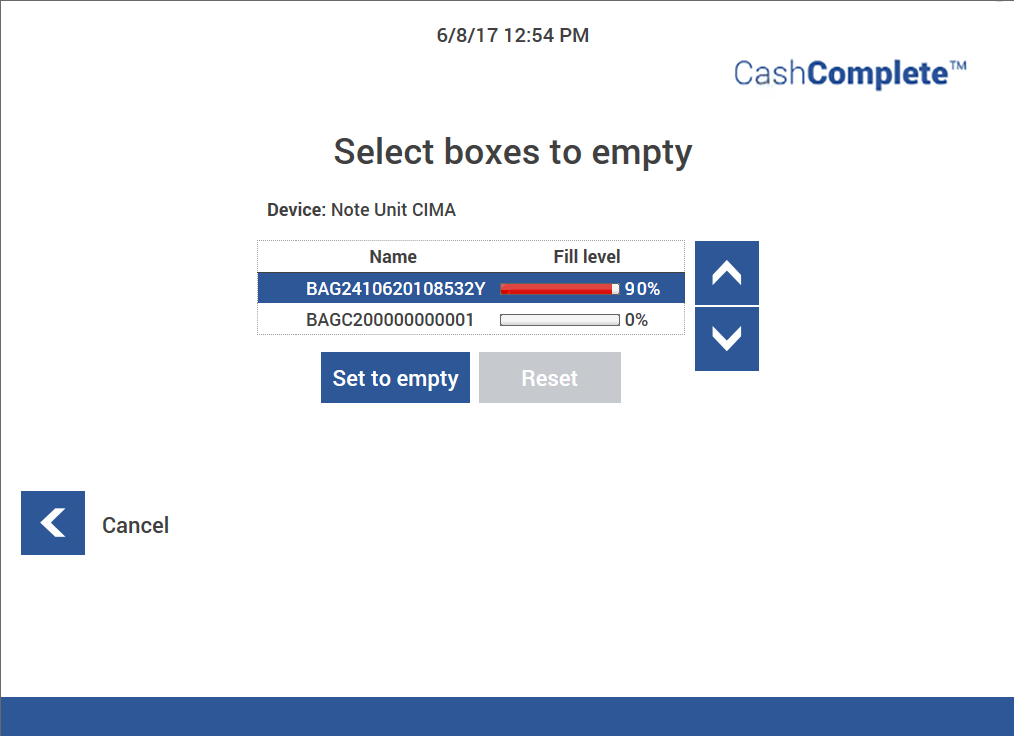
With the MOVE_NOTES_ALLOW_EMPTYING and MOVE_NOTES_ALWAYS_EMPTY permissions, the user can select any box (RB box, AB box, and so on) to be removed from the RCS-700. If Empty cash boxes is used, the notes box must be removed from the RCS-700. The box content is set to zero.
Note
All rejected notes in the upper reject box belong to the RB boxes.
The upper reject box can be set to handle Article 6 notes. That is, suspected counterfeits. If this is the case, do not put the notes back into the RB boxes.
See also