Edit users
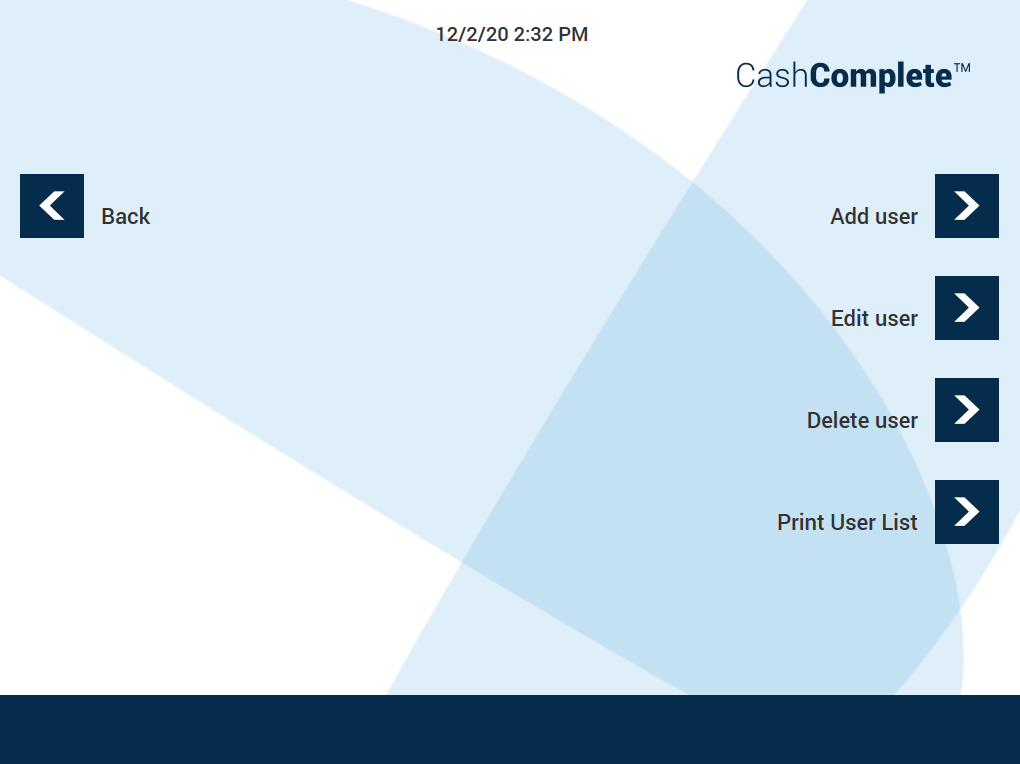
Use the EDIT USERS view to add, edit, or delete user accounts. You can also print a receipt listing user accounts.
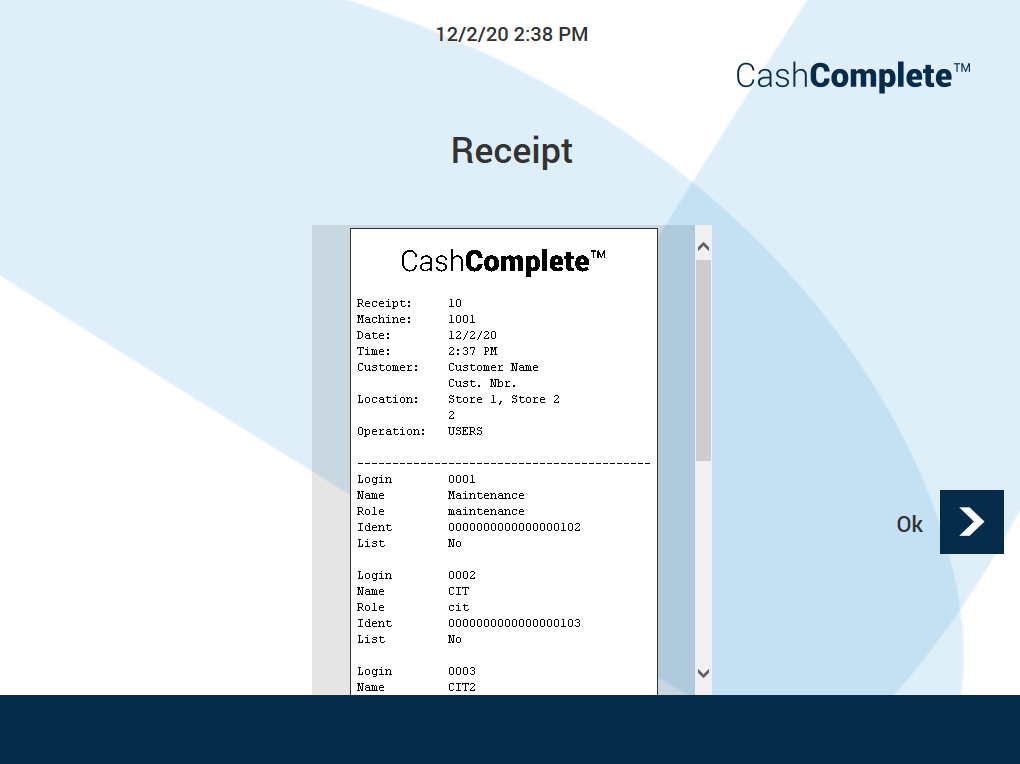
A receipt listing the user accounts
UI item | Description |
|---|---|
Add user | Select to add a new user account. |
Edit user | Select to edit an existing user account. |
Delete user | Select to delete a user account. |
Print User List | Select to print a receipt listing the existing user accounts. User accounts configured not to show up in the list are excluded. |
Back | Select to return to the previous view. |