Starting Connect on-Device Studio
You start Connect on-Device Studio to configure devices in Connect on-Device systems.
Task. Start Connect on-Device Studio
Double-click the
startOJConfigurator.batfile located at[installation folder]\tools\configurator\or use the shortcut on the desktop.If it's the first time you start the program, select the Action menu and set the password for Connect on-Device Studio. This step is optional.
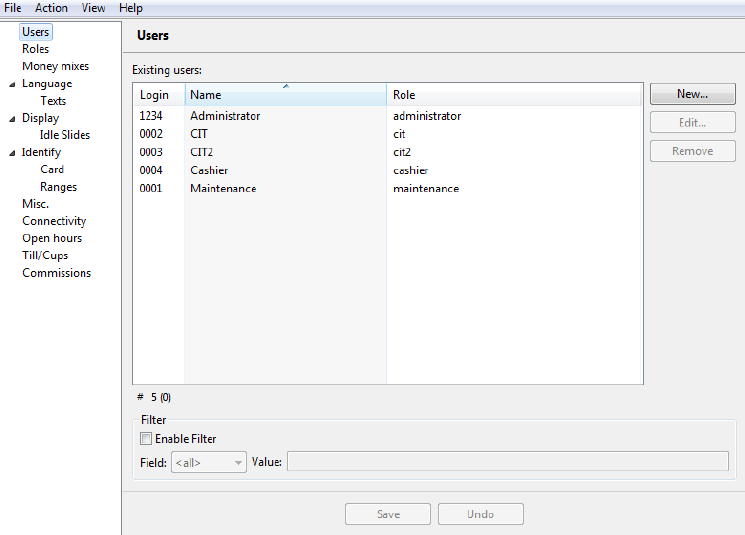
Select Save.
Note
From the Action menu, you can start the hardware installation wizard.