Door/switch status view
Use the System information dialog box to show and export information on the machine UUID, Connect on-Device version, Java version, and current configuration package information to a text file.
Prerequisites: You need an account with the following permissions:
OPERATOR_VIEW
SERVICE_MODE
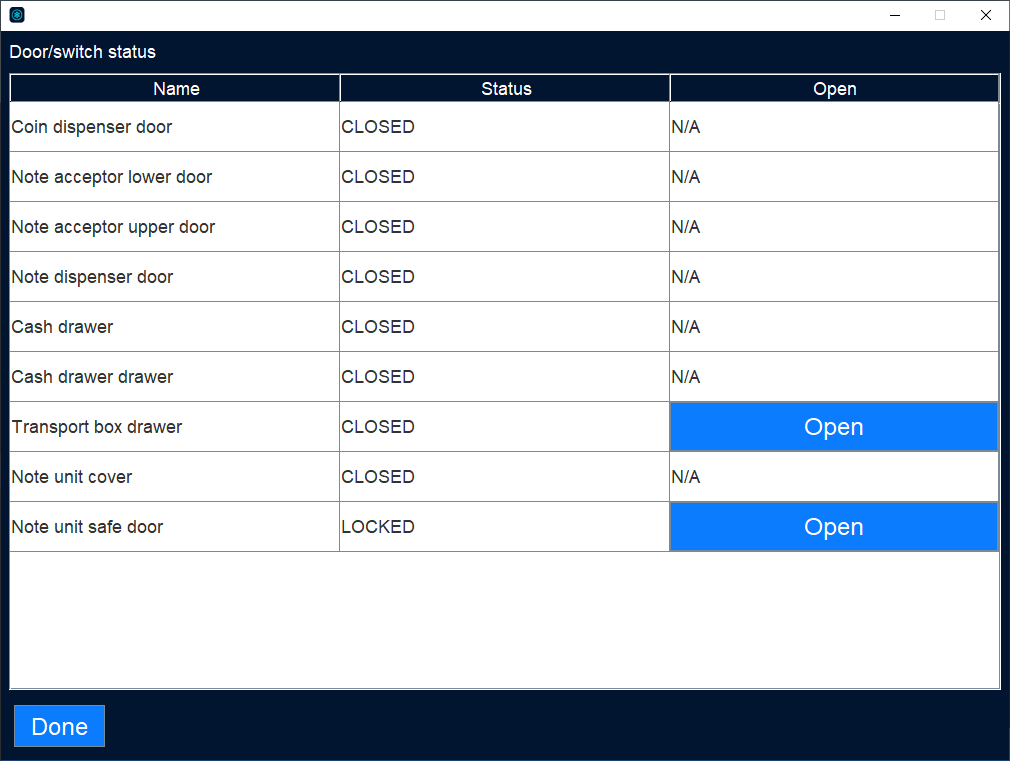
UI item | Description |
|---|---|
Name | Shows the name of the component. |
Status | Shows whether or not the door or switch is open or closed, locked or unlocked. |
Open | Shows a button that you can use to open the door or switch. |
Done | Select to close the Door/switch view and return to the Operator view. |
See also