Device status
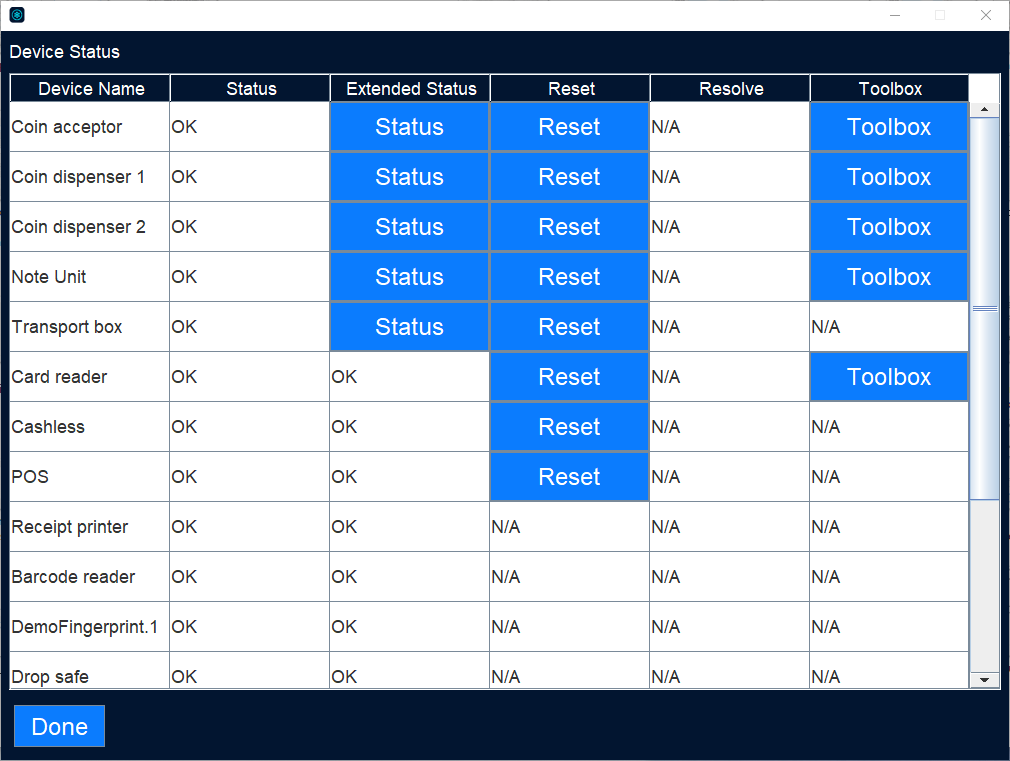
Use the Device status view to find out the current status of connected devices.
UI item | Description |
|---|---|
Device Name | Shows The name of the device/module. |
Status | Shows the current status of the device/module. |
Extended status | If a button showing “STATUS” is shown, extended information is available. Extended information shows totals of holdings and should not be changed. |
Reset | Select to reset the device. |
Resolve | Select to start the resolver. |
Toolbox | Select to test the functionality. Toolbox is available for software version 1.7.0 and later. |
Done | Select to close the view. |
See also