Administration
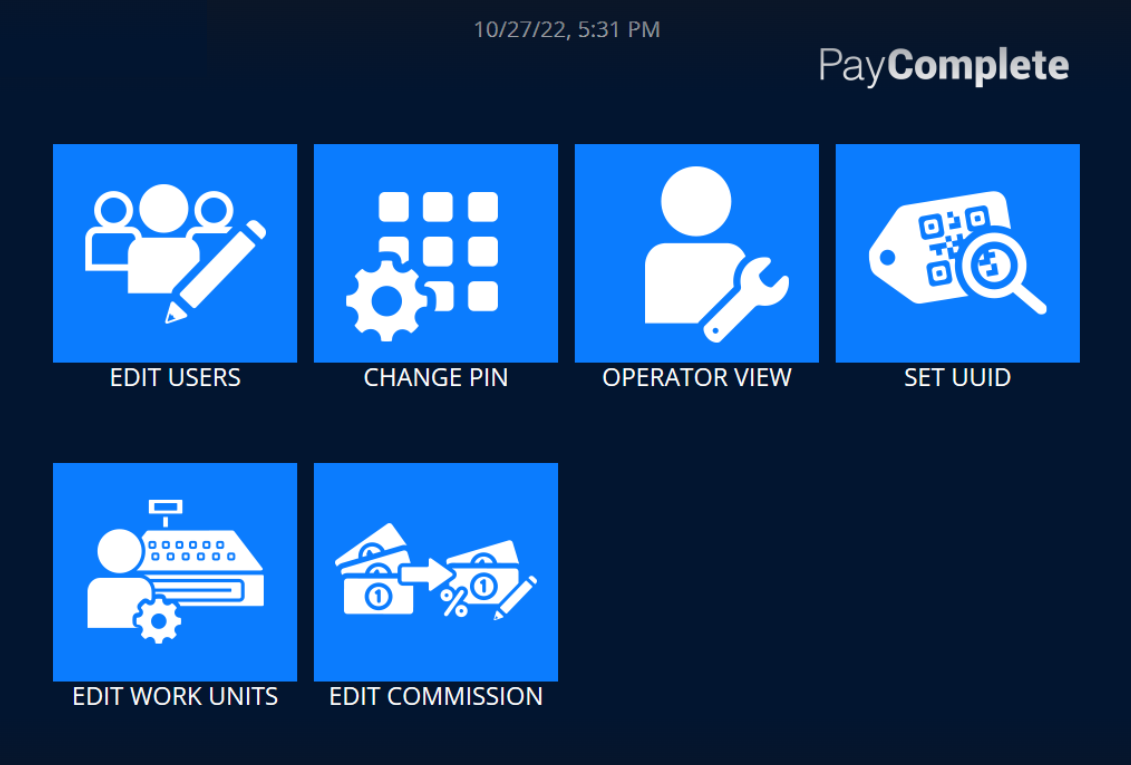
Use the Administration view to perform administrative tasks, such as managing users, changing your pin code, accessing the operator view, and editing work units.
UI item | Description |
|---|---|
Edit users | Select to add, edit, and delete users. |
Change pin | Select to change the pin code you use when signing in. |
Operator view | Select to open the Operator view, where you can create a log, check the device status, clear errors, check the license, view system information, exit the view, and sign out of the program. |
Set UUID | Select to change the UUID of the installation instance. |
Edit work units | Select to add, edit, and remove work units. |
Edit commission | Select to add, edit, and remove commissions. |
| Select to return to the main view. |
