OrchardMonitorConfig — Download tab
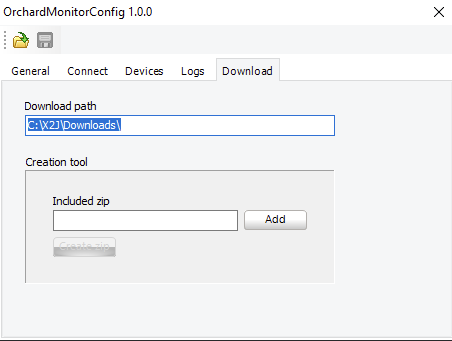
Use the Download tab set up the destination for remote configuration files.
UI item | Description |
|---|---|
Download path | Enter the destination path for the configuration files when using remote configuration. The files are downloaded to the selected folder and unzipped. |
Creation tool | A tool for creating a remote configuration .zip file. |
Included .zip | Enter the name of the configuration .zip file |
Add | Select to add the internal configuration .zip file. |
Create zip | Select to create a configuration .zip file to be distributed by Connect. |