Symbols
The following symbols are only displayed when the condition is relevant.
Symbol 2.xx.xx | Symbol 3.xx.xx | Status | Action |
|---|---|---|---|
 | 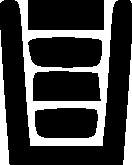 | Full basket. The coin dispenser for the denomination is full. The set high level is the limit. | Any deposited coins of this denomination will end up in the transport box. Select another machine if possible. |
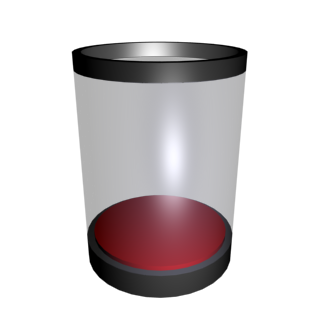 |  | Empty basket. The coin dispenser for the denomination is empty. The set empty level is the limit. | Dispense of this denomination is not possible, select another machine if available or use the “Fill up an incomplete mix” function. |
 | 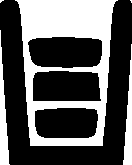 | Almost full basket. The coin dispenser level for the denomination is high. | The coin dispenser for this denomination is about to be full. For deposit select another machine if possible. |
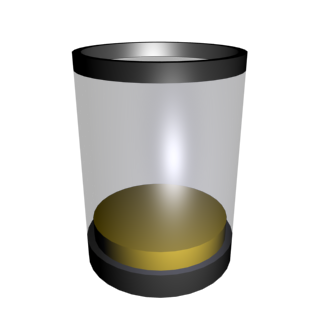 |  | Almost empty basket. The coin dispenser level for the denomination is low. The set low level is the limit. | The coin dispenser for this denomination is almost empty. For dispense select another machine if available. |
 |  | A cleaning reminder. | Clean the machine. The CONFIRM_CLEANING permission must be added to the role. For more information, see Resetting service and cleaning reminders on screen, Permissions A-L,Permissions M–Z, and Editing a role. |
 |  | A service reminder. | Call for service. The CONFIRM_SERVICE permission must be added to the role. For more information, see Resetting service and cleaning reminders on screen, Permissions A-L,Permissions M–Z, and Editing a role. |
See also