Activation codes screen
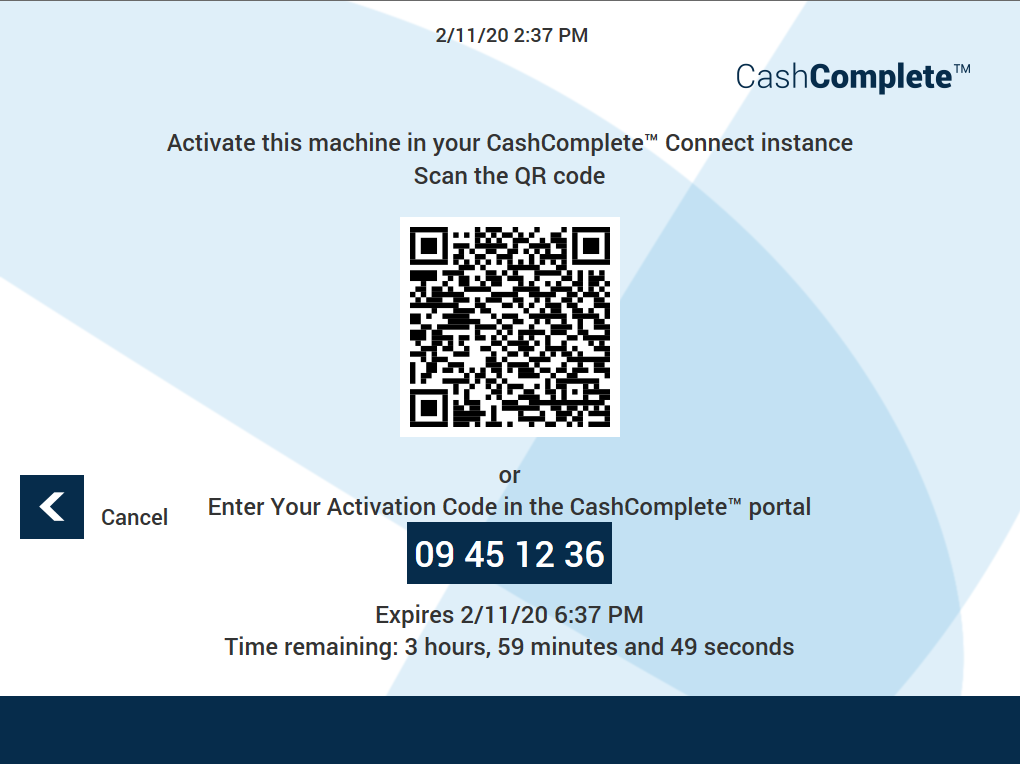
Use the activation codes screen in Connect on-Device to scan the QR code or copy the 8-digit activation code that you use to remotely activate machines in Connect. You can cancel this step.
Ui item | Description |
|---|---|
Scan the QR code | Scan the QR code with a QR code scanner on your mobile device to start the activation wizard on your mobile device. |
8-digit activation code | Copy the code if you want to start the activation procedure by entering the 8-digit code in the portal. |
Cancel | Select to sign in to Connect on-Device without starting any machine activation. |