Connect on-Device Administration menu
Use the Administration menu to configure and view information on your Connect on-Device installation.
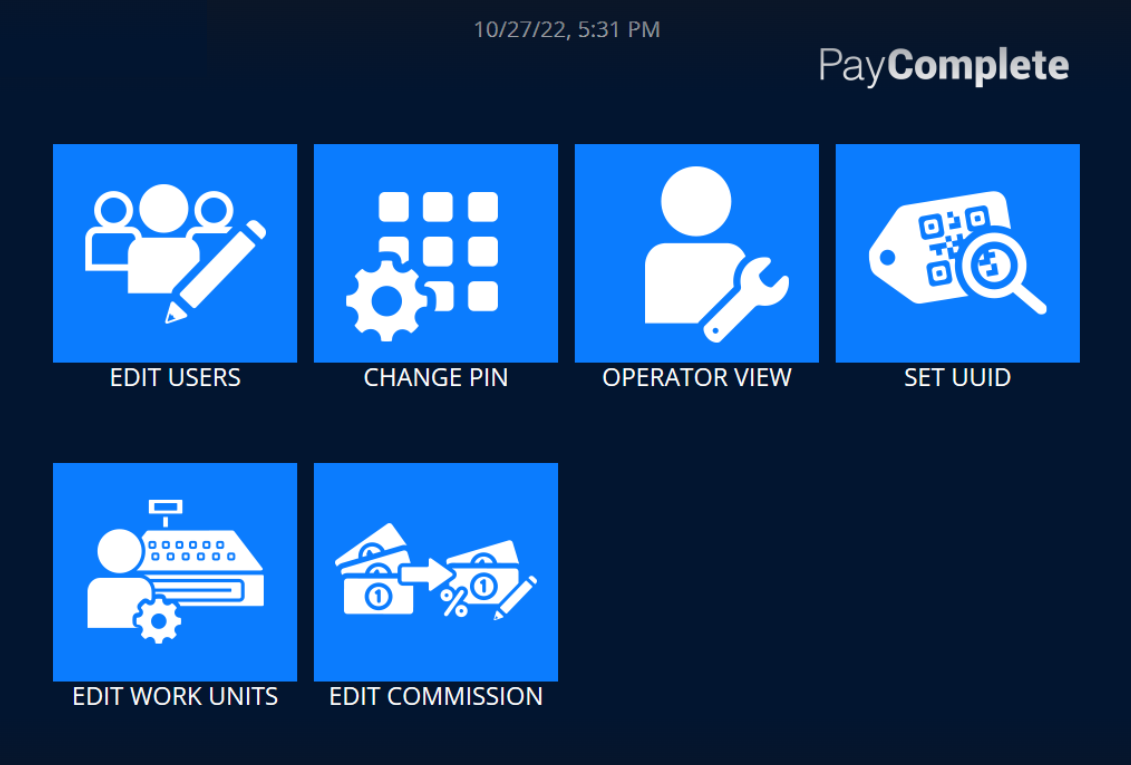
UI item | Description |
|---|---|
Edit users | Select to add, edit, and delete users and to print a list of users. |
Change pin | Select to change the pin code the logged in account. |
Operator view | Select to open a menu where you can select to:
|
Set UUID | Select to open views where you can change the machine's Connect on-Device instance UUID. |
Edit work units | Select to allocate a work unit to a user. |
Edit commission | Select to edit a user's commission. |
| Select to return to the main menu. |
