Connect on-Device main menu
Use the main menu to perform daily operations and to access the Administration menu where you configure and view information on the Connect on-Device installation.
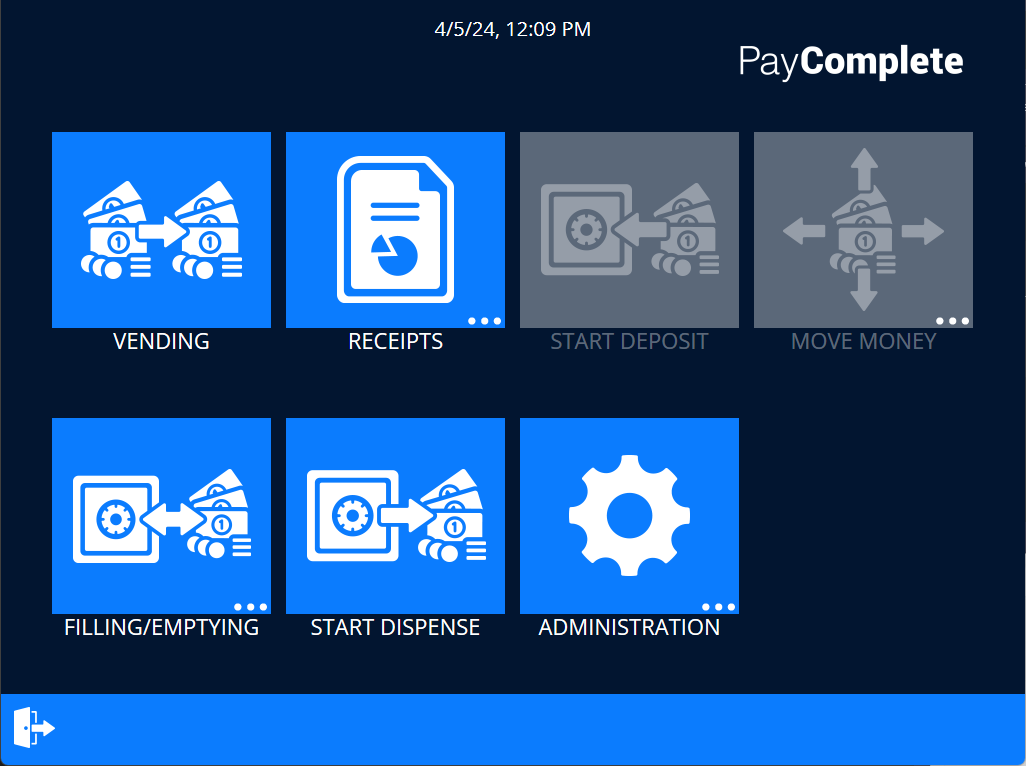
UI item | Description |
|---|---|
Vending | Select to open the vending menu where purchases are made. |
Receipts | Select to print any of these receipts:
|
Start deposit | Select to start a deposit. These are the options you can deposit:
|
Move money | Select to do one of these operations:
|
Filling/Emptying | Select to do one of these operations:
|
Start dispense | Select to start a dispense from the machine. |
Administration | Select to edit users, change the logged in user account's pin code, open the operator view, edit work units, and edit commissions. |
| Select to return to the main menu. |
