Select work unit group
Use the Select work unit group view to add a new work unit to a work unit group.
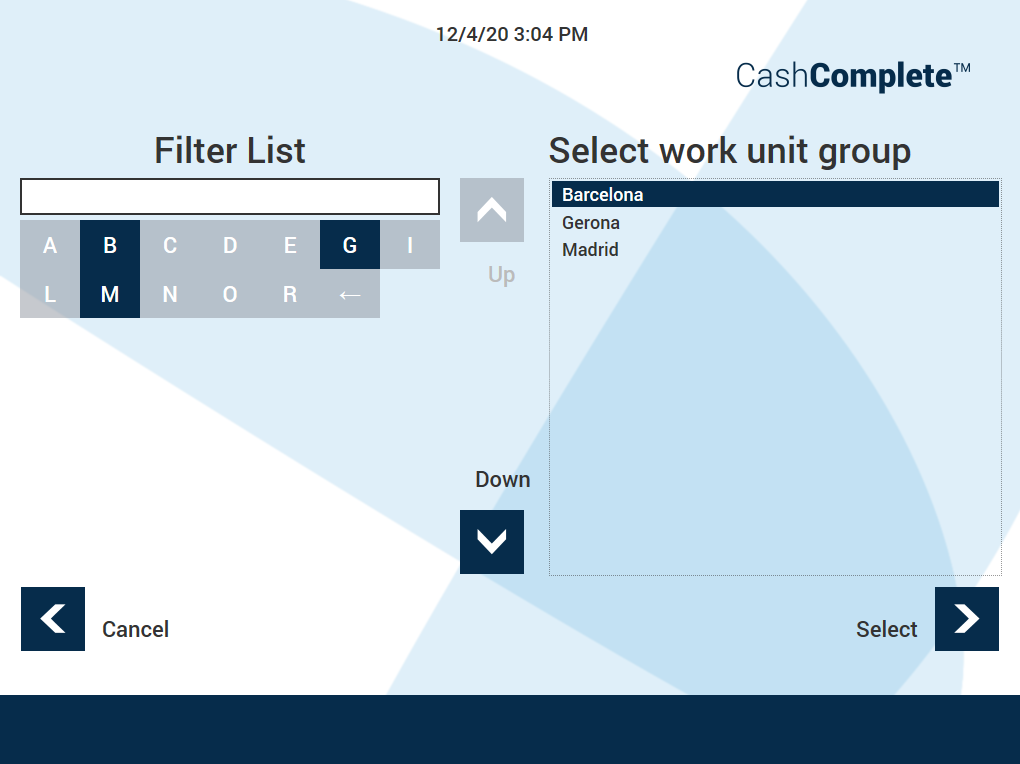
UI item | Description |
|---|---|
Filter list | Select the first letter of the work unit group you want to ad the work unit to. |
Select work unit group | Make sure that the work unit group you want to add the new work unit to is selected. |
| Select to scroll up the work unit group list. |
| Select to scroll down the work unit group list. |
Cancel | Select to ignore the selection and return to the previous view. |
Select | Select to save the selection and go to the next view. |

