Current balance screen
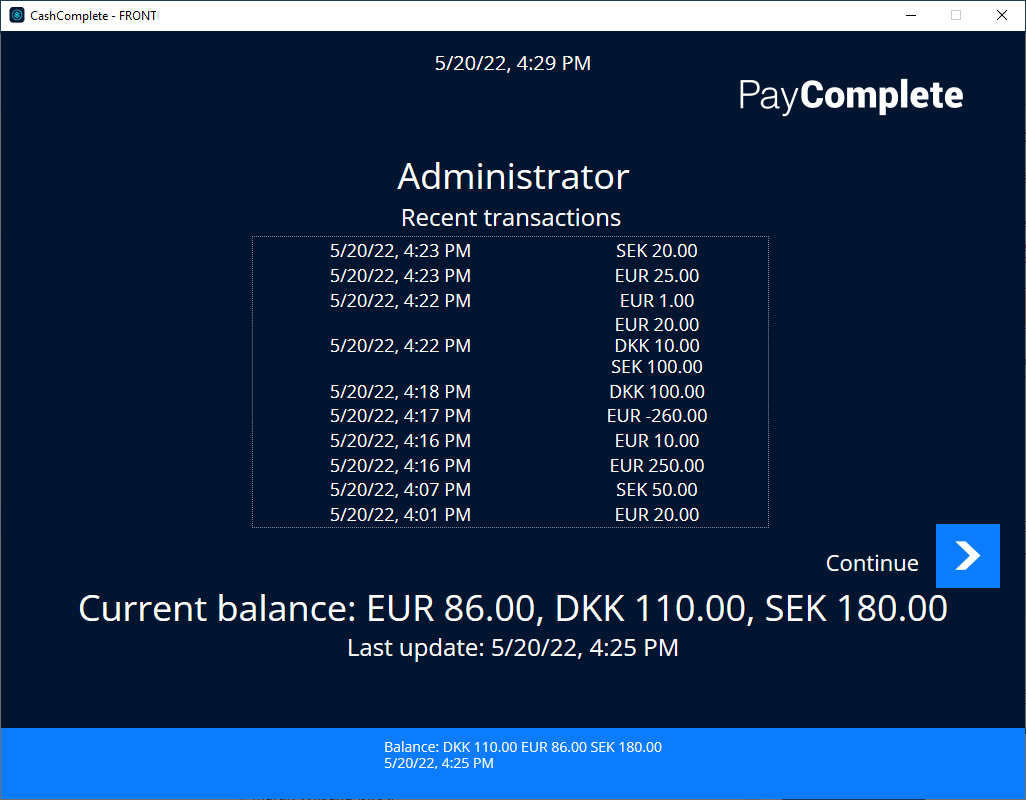
Use the Current balance screen to see the current balance for a specific user. Optionally, the screen can show a list of the latest transactions for the user. The number of shown transactions is configurable. The screen is shown when the user signs in.
Ui item | Description |
|---|---|
[Administrator] | Shows the user name. |
Recent transaction | Shows the latest transactions. The number of shown transactions is configurable. Showing the list of transactions is optional. |
Current balance | Shows the current balance per currency. |
Last update | Shows the time when the current balance was last updated. |
Continue | Select to continue signing in. |