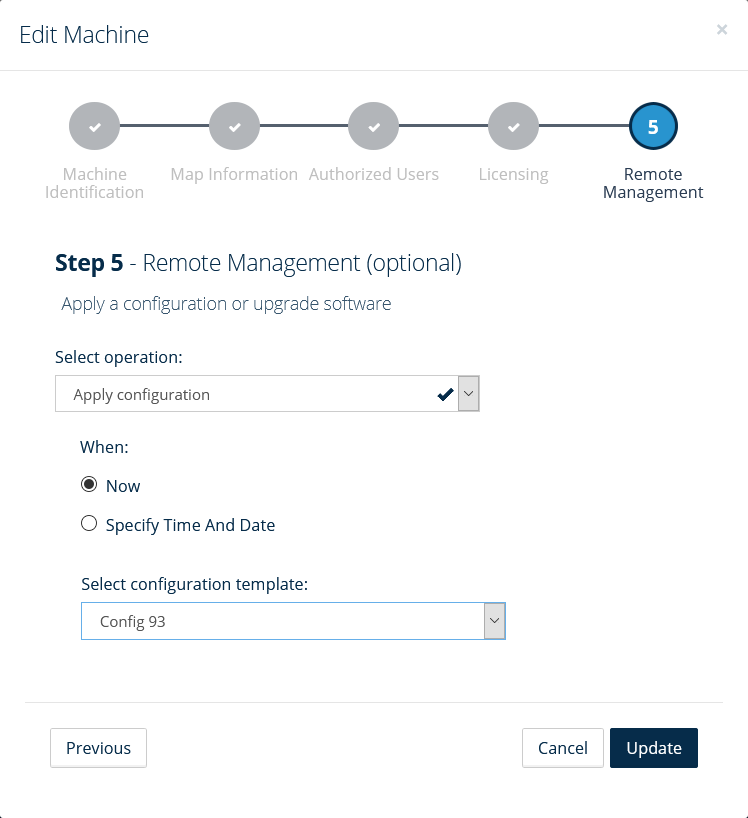
Remote configuration example
Before uploading a configuration file to Connect and deploying it to one or several machines, you need to make sure the configuration file has been created in Connect on-Device Studio or the creation tool in OrchardMonitorConfig. Configuration is the only supported inclusion. Any other value is ignored.
Files are downloaded to the download path specified in OrchardMonitorConfig.
You upload configuration files in Connect before deploying them to one or several machines.
Tip
Expand Settings and select Configuration templates. Select the Add configuration template button to start the Create new configuration template wizard where you upload the configuration file.
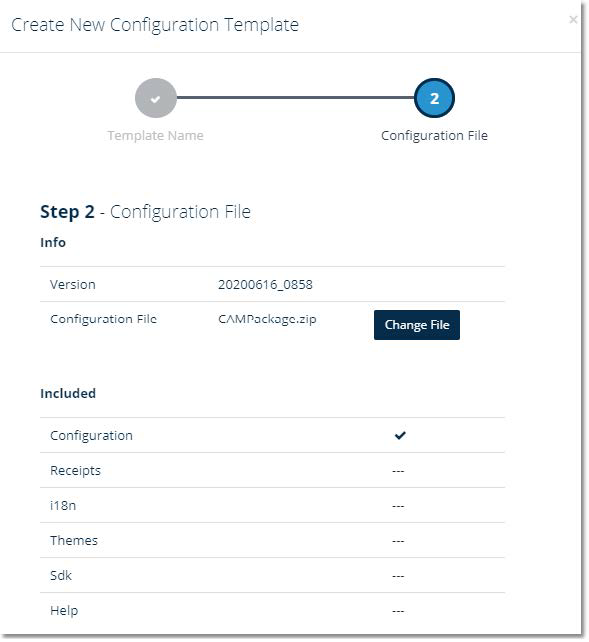
You configure when to send configuration files, updates, or other files by editing the machine in Connect.
Tip
To start the Edit Machine wizard where you deploy the configuration file, expand Settings, select Machines, and then select the Edit button ( ) next to the machine.
In the Edit machine wizard, you unzip and deploy the configuration file.