Add, edit, or delete user
Use the Add user, Edit user, or Delete user views to add a new, edit an existing, or delete a VaultConnect user account.
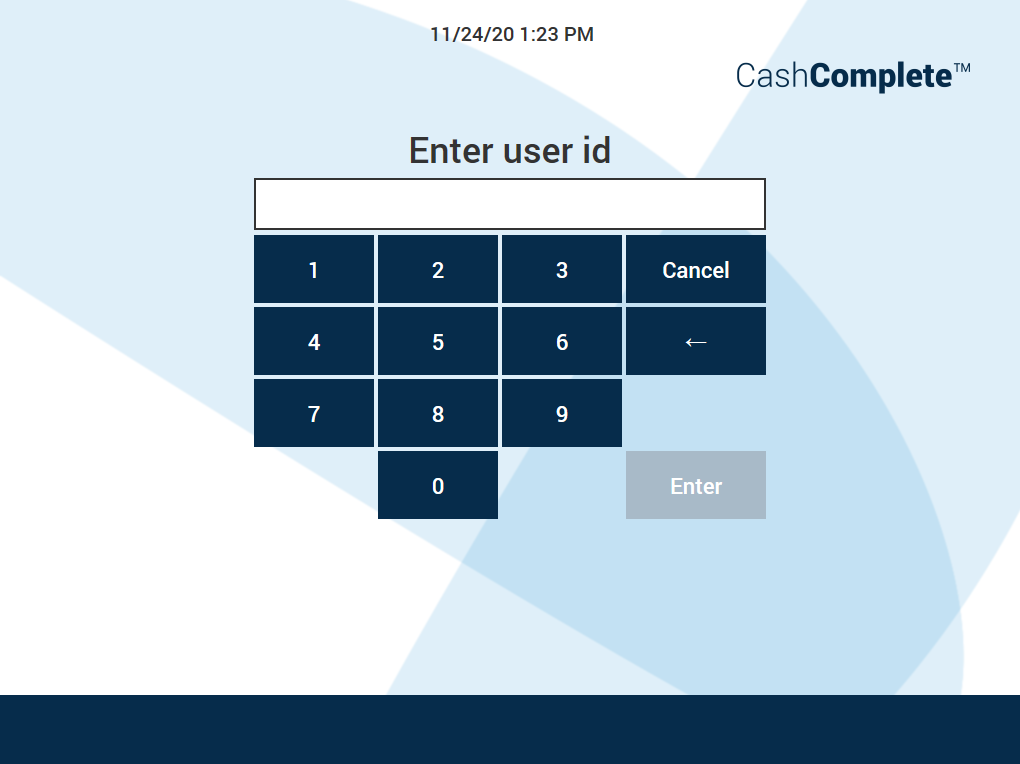
UI item | Description |
|---|---|
Enter user id | Enter a user ID for the new user account you want to create or the existing user account you want to edit or delete. |
Cancel | Select to close the view and return to the previous view. |
Enter | Select to save the changes and go to the next view. |