Error handling
Errors can occur during normal operation. When an error occurs, error codes are shown on the display.
The error code defines which device is reporting the error. If the machine is able to detect what the problem is, this is also included.
Note
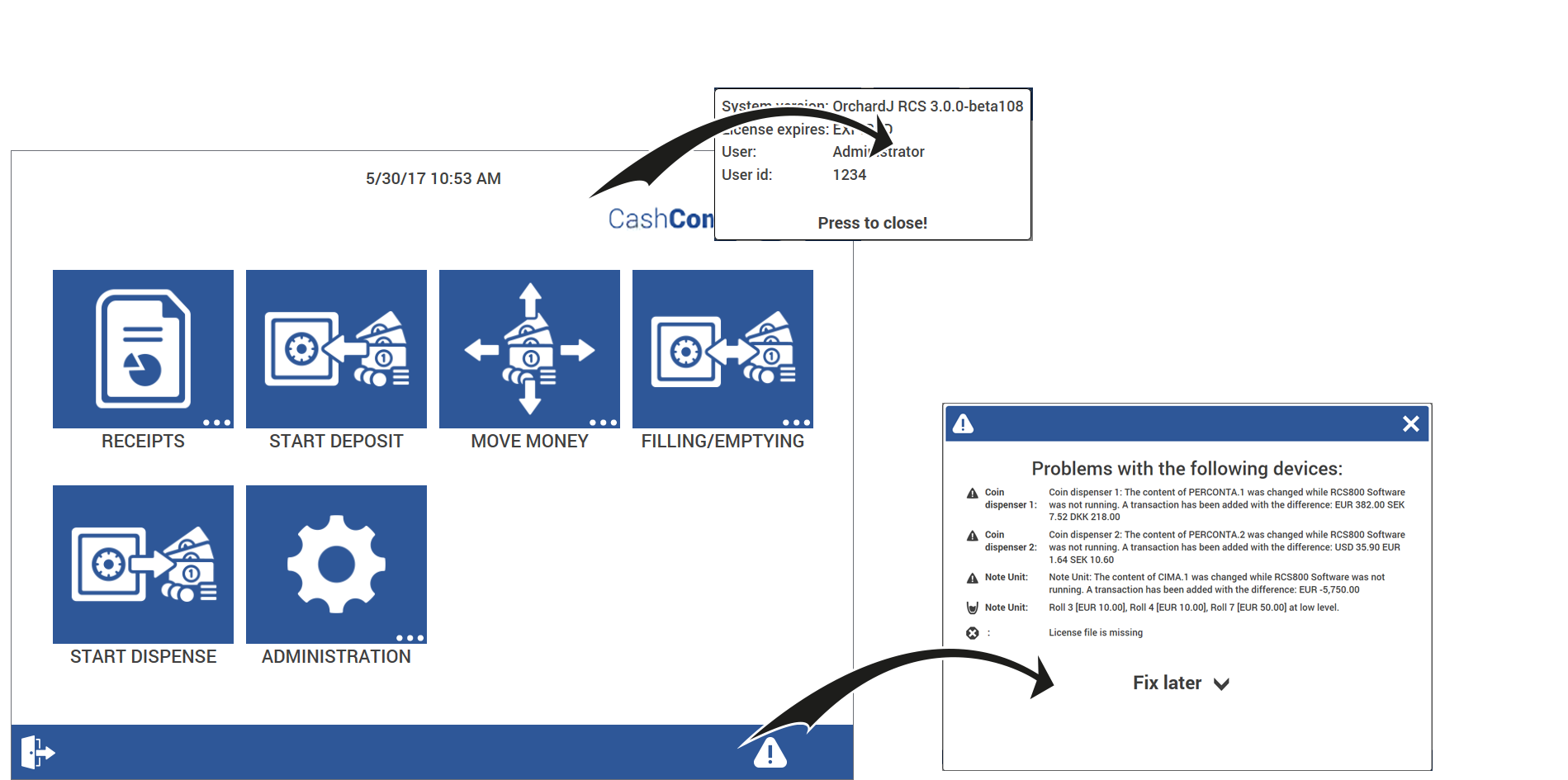
In 9Connect on-Device version 3.xx.xx and later, you tap the blinking bullet icon on the lower right side of the screen to display information about an error.
Sometimes more than one type of problem occurs at the same time.
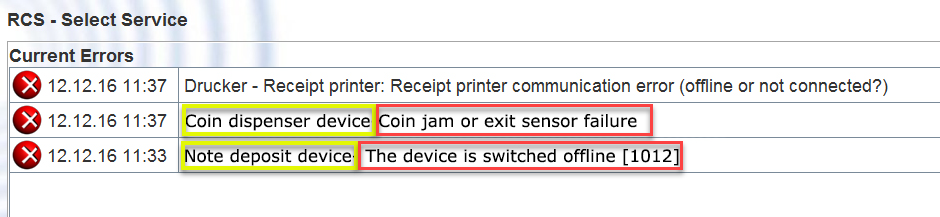
Most errors/faults reported on the system are a result of either coin or note jams in the devices.
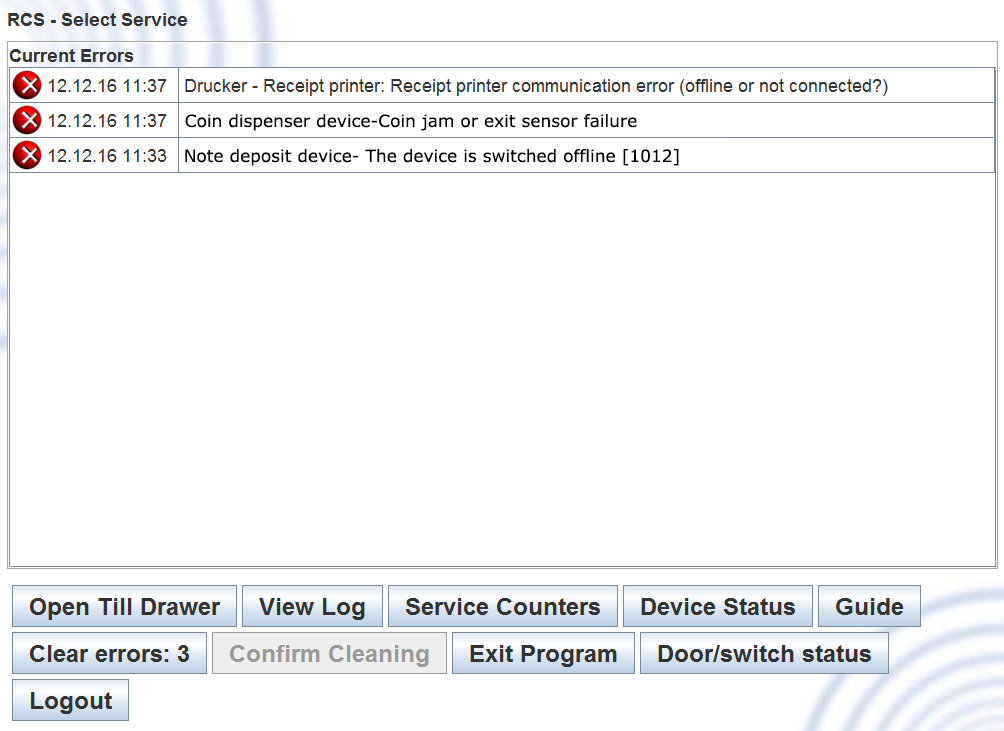
If an error occurs, the cashier screen displays an “out of use” message. An error message is shown if the red cross on the screen is activated or (in Connect on-Device version 3.xx.xx and later) if you tap the blinking bullet icon. The error message is also displayed in the journal file.
Identify the problem.
Document the exact error message and error code.
Refer to the relevant documentation, for example:
The CAM manual
The HCM documentation
The documentation for the indicated device
From the Operator view, open Device Status to find more information and help (if available).
Tip
For more information, see Opening the Operator view.
See also