Note unit configuration HCM
Move notes and empty notes, HCM
A user with the MOVE_NOTES permission can move notes from a recycler to an overflow box/bag provided the machine has that capability.
CIMA, URT, and HCM all have that capability.
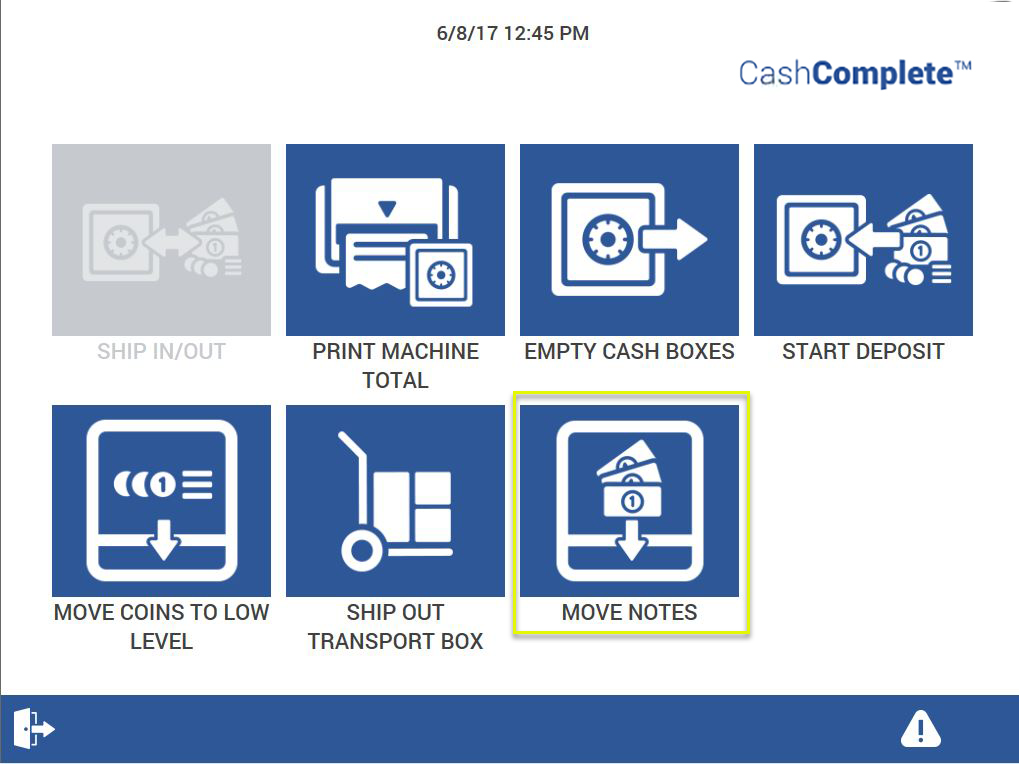
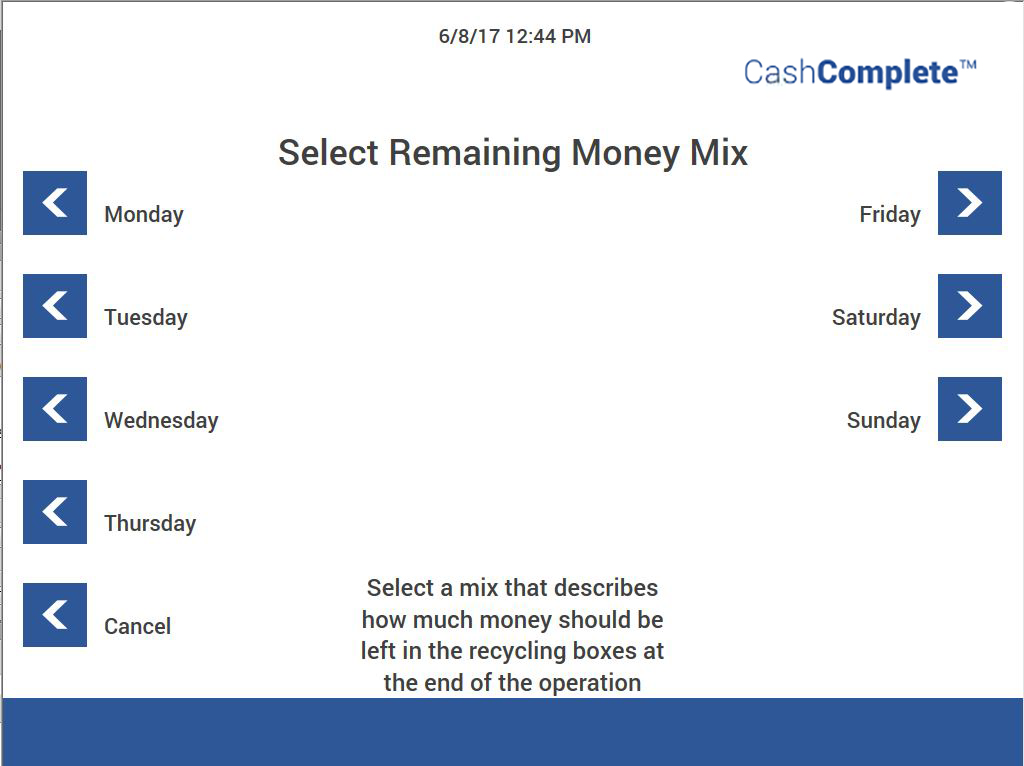
You configure the remaining money mix in the moneyremaining.xml file. Editing the remaining number of notes when moving notes requires the MOVE_NOTES_ALLOW_EDIT permission.
For more information, see:
Note
When you configure the remaining money mix, you specify the amount of notes that are to remain in te recycle boxes - NOT the amount of §notes that are to be removed to the Acceptance box.
All rejected notes in the upper reject box belong to the RB boxes.
See also
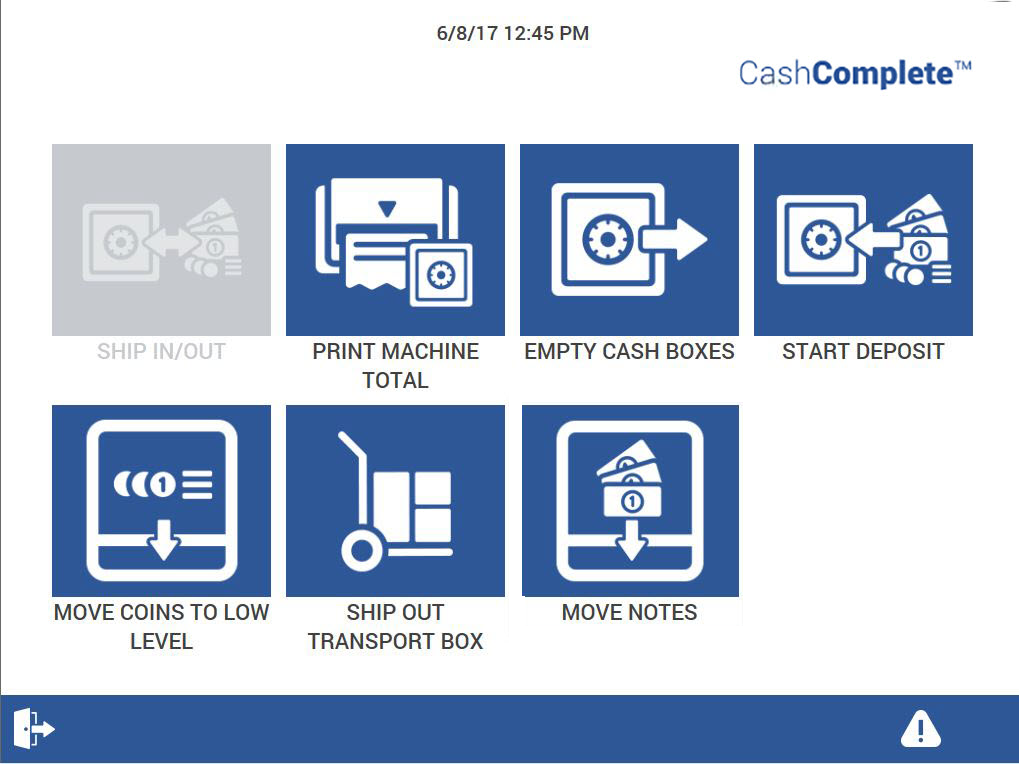
Empty cash boxes
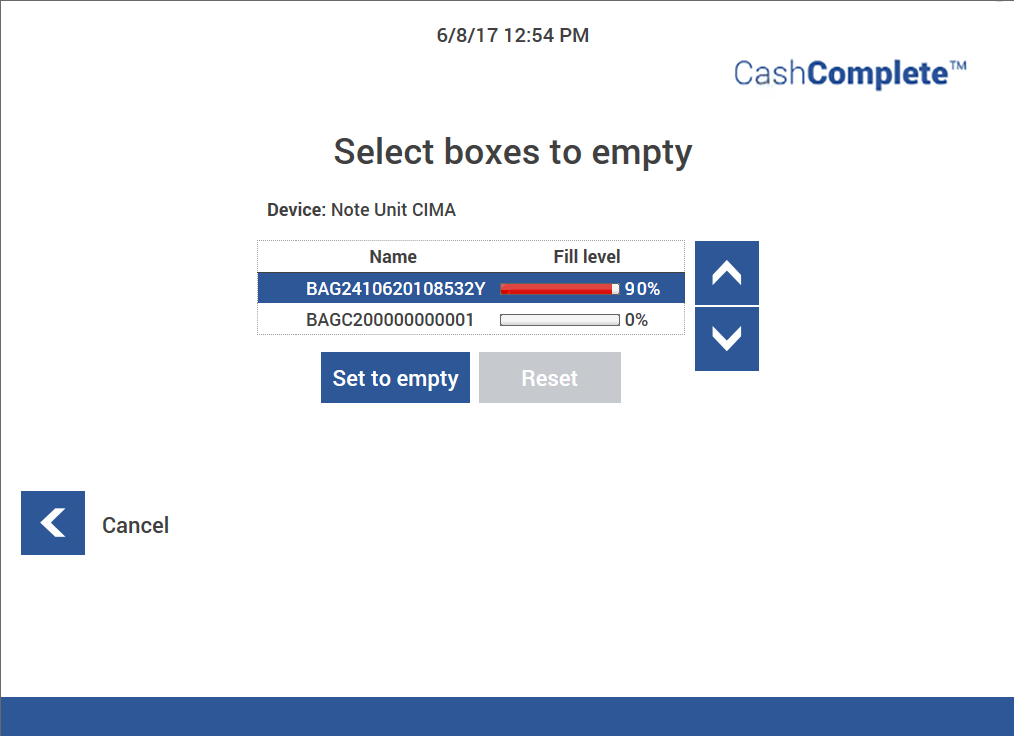
With the MOVE_NOTES_ALLOW_EMPTYING and MOVE_NOTES_ALWAYS_EMPTY permissions, the user can select any box (RB box, AB box, and so on) to be removed from the HCM. If Empty cash boxes is used, the notes box must be removed from the HCM. The box content is set to zero.
Note
All rejected notes in the upper reject box belong to the RB boxes.
The upper reject box can be set to handle Article 6 notes. That is, suspected counterfeits. If this is the case, do not put the notes back into the RB boxes.
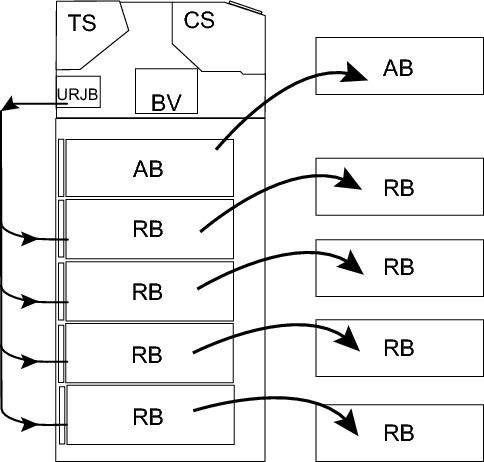
Notes in Upper Reject Box
You can use the Upper Reject Box in two ways:
Collect suspected counterfeits (Article 6)
Function as a storage for removed notes
When picked from the RB box at a transaction, remove the note if there is any uncertainty about whether it is one or more notes (that is, notes stuck together). The rejected notes belong to the RB boxes and must be returned to make the count add up. Return the notes to the the correct RB box seen to denomination and make a manual refill.
Unlocking a note box
Use this procedure to unlock a note box.
Add the TOOLBOX:UNLOCK_CASSETTE permission to unlock a cassette in the HCM unit.
Add the name of the note unit, for example, HCM.1, and the cassette name, for example, HCM.1:MAB0-A.
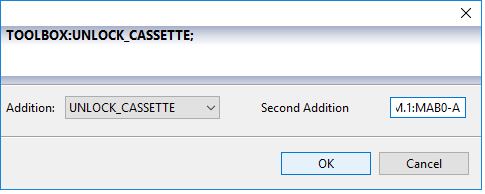
Unlocking a cassette
Use this procedure to unlock a cassette.
Login as an Administrator.
Select Administration and then Operator view.
Select Device Status.
Select Toolbox for the note.
Select Execute for the option Unlock Cassettes to access the cassettes set in the permission. A pop-up menu is displayed.
Select Execute for the Lock cassettes option to lock all cassettes in the note unit.
From the drop-down list, select which cassette to unlock.
Click OK.
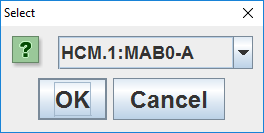
Setting levels for remaining notes
Use this procedure to set the level of remaining number of banknotes in the HCM when using the move notes option.
Note
Always make a back-up copy before making any changes to a configuration file.
Locate the
moneyremaining.xmlfile (for Connect on-Device, version 1.7.0 and later[installation folder]\resources\configurable\configuration\moneyremaining.xml).Make sure you have a backup of the file.
Open the file in a text editor, such as WordPad.
Make your edits.
Save the file.
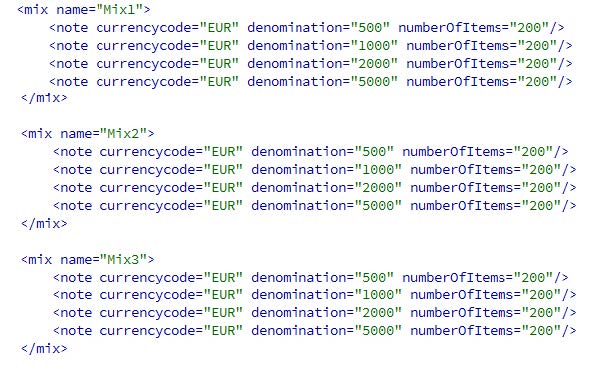
Code | Description |
|---|---|
mix name | Important! Never change the mix name in this file. Use Configurator Tool to add a display name. For more information, see: |
numberOfItems | Set the number of remaining notes in the HCM for each denomination per set (Mix1, Mix2, and so on). |
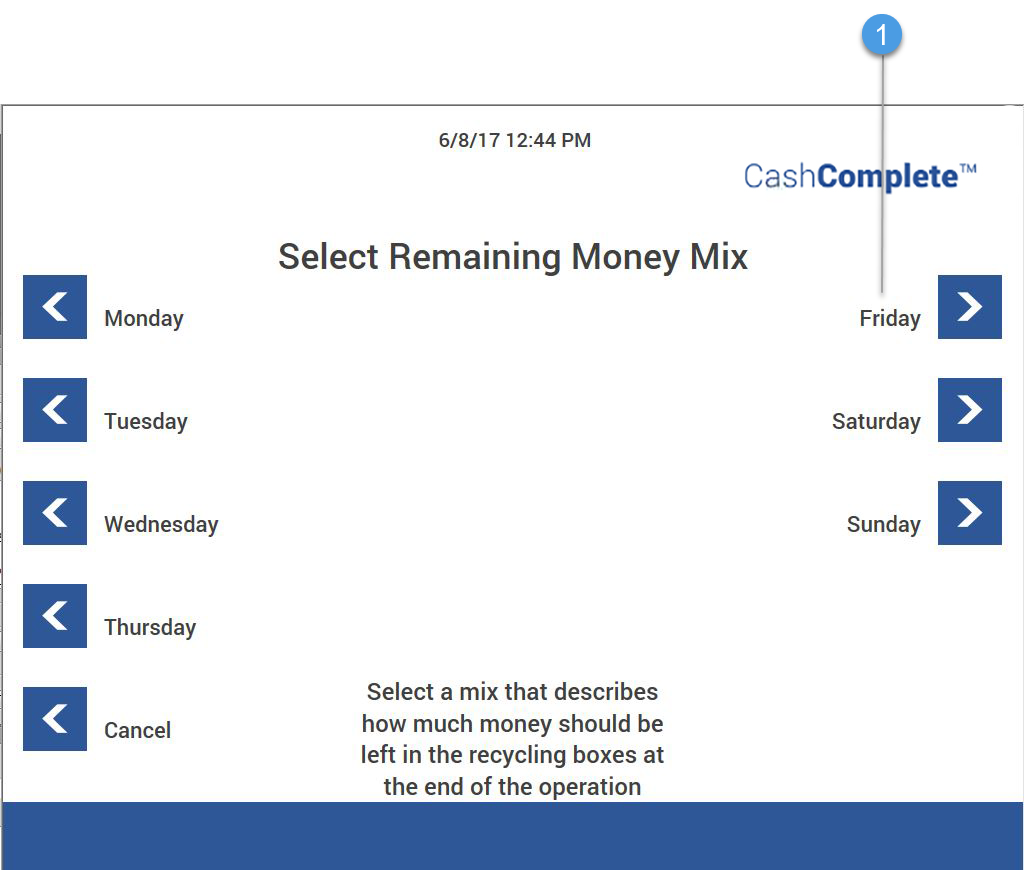
1. Display name
See also